


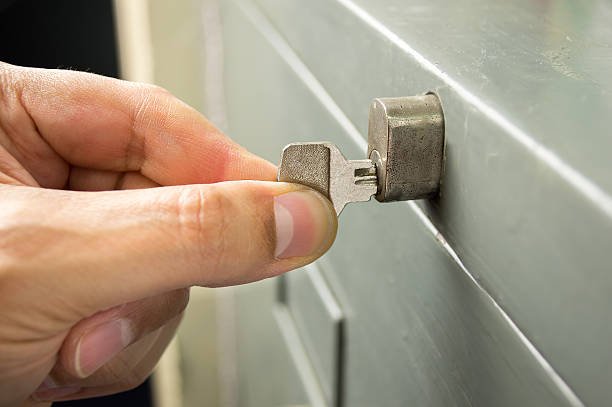
Modern file cabinets increasingly rely on electronic proximity locks and sensors to keep sensitive documents secure. While these systems offer convenience and advanced security, they can also present unique challenges when things go wrong. If you’re experiencing file cabinet lock sensor issues, understanding the root causes and knowing how to address them is essential for maintaining access and protecting your assets.
This guide will walk you through the most common problems with proximity lock sensors, troubleshooting steps, and practical repair solutions. Whether you’re an office manager, facilities professional, or simply responsible for your organization’s records, you’ll find actionable advice to restore your cabinet’s functionality quickly and safely.
If your cabinet uses a digital or electronic locking mechanism, you may also want to review our electronic file cabinet lock troubleshooting resource for additional diagnostic tips.
Understanding Proximity Lock Sensors in File Cabinets
Proximity locks use sensors to detect authorized credentials, such as RFID cards, fobs, or even smartphones. When the sensor recognizes an approved signal, it releases the locking mechanism. This technology eliminates the need for traditional keys and allows for centralized access control, but it also introduces new points of failure.
The most common types of sensors found in these locks include:
- RFID (Radio Frequency Identification) readers
- Infrared or capacitive touch sensors
- Bluetooth-enabled modules
Each sensor type has its own troubleshooting nuances, but many issues stem from similar causes such as power supply problems, misalignment, or signal interference.
Common Causes of File Cabinet Lock Sensor Malfunctions
When a proximity lock fails to operate as expected, several factors could be at play. Recognizing these common culprits can help you narrow down the source of the problem:
- Power Issues: Dead batteries, loose wiring, or faulty power adapters can prevent sensors from functioning.
- Sensor Misalignment: If the reader or sensor is not properly aligned with the credential, it may not detect the signal.
- Environmental Interference: Metal objects, electronic devices, or even strong magnetic fields nearby can disrupt sensor performance.
- Credential Problems: Damaged or unprogrammed cards/fobs will not trigger the lock.
- Firmware or Software Glitches: Outdated or corrupted firmware can cause unpredictable sensor behavior.
Addressing file cabinet lock sensor issues often starts with a careful inspection of these areas.
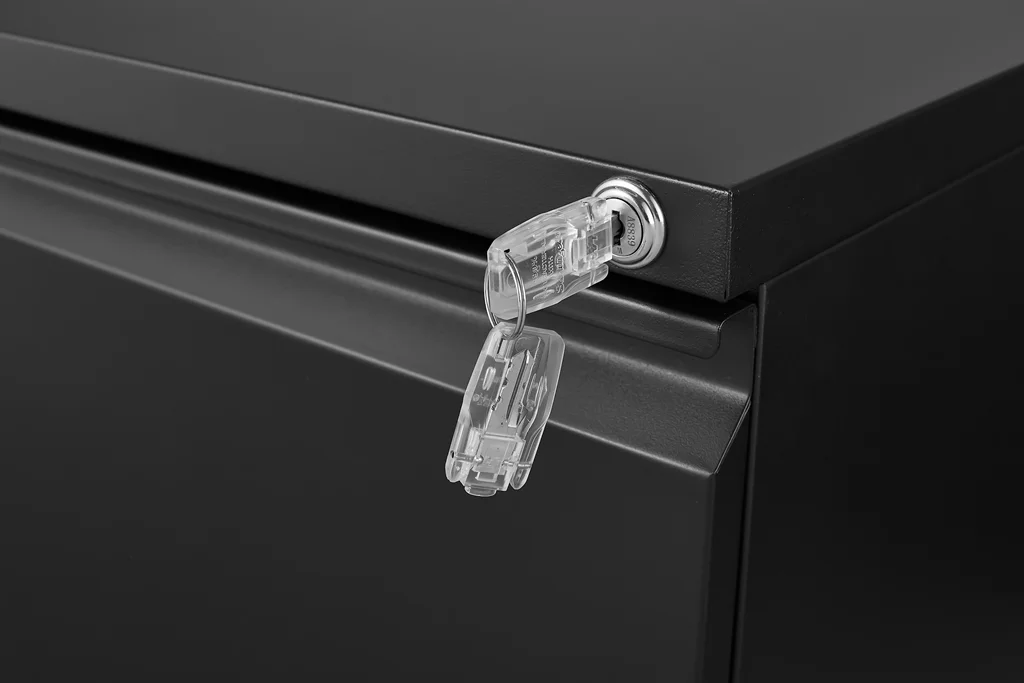
Troubleshooting Steps for Sensor-Based Cabinet Locks
Before calling a locksmith or replacing your lock, try these troubleshooting steps to identify and possibly resolve the issue:
- Check the Power Source: Ensure batteries are fresh and properly installed. For wired systems, inspect cables and connections for damage or looseness.
- Test with a Backup Credential: Use a spare card or fob to rule out problems with your primary credential.
- Inspect the Sensor Area: Clean the sensor and surrounding area. Dust, dirt, or stickers can block signals.
- Look for Obstructions: Remove any nearby metal objects or electronics that could interfere with the sensor’s operation.
- Reset the Lock: Many proximity locks have a reset procedure. Refer to your manufacturer’s instructions or consult a file cabinet lock reset guide for step-by-step directions.
- Update Firmware: If your lock supports software updates, check for new firmware to address potential bugs.
If these steps do not restore function, the problem may require more advanced repair or replacement.
Repair Solutions for Persistent Sensor Problems
When basic troubleshooting doesn’t resolve your file cabinet lock sensor issues, consider these repair strategies:
- Replace the Sensor Module: Sensors can fail due to age or damage. Many proximity locks allow for replacement of the sensor or reader without replacing the entire lock.
- Repair or Replace Wiring: Damaged wires or connectors can interrupt power or data signals. Inspect for frayed cables and replace as needed.
- Reprogram Credentials: If the lock isn’t recognizing authorized users, try reprogramming or enrolling new cards/fobs.
- Consult a Professional: If you’re unable to diagnose or fix the issue, a locksmith experienced in digital file cabinet lock repair can provide expert assistance.
For step-by-step instructions on replacing traditional locks, you can refer to this comprehensive guide to replacing file cabinet locks.
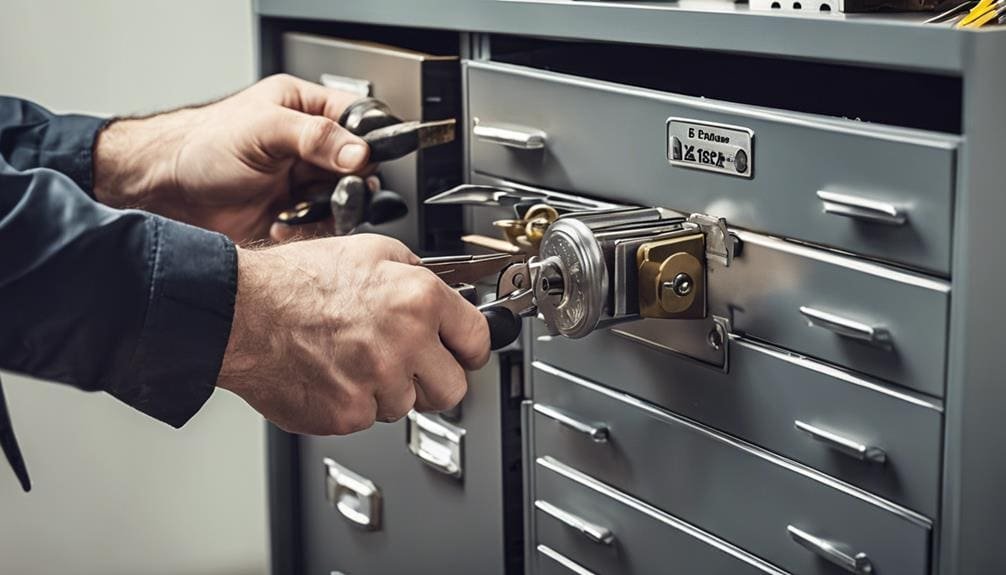
Preventing Future Sensor Lock Failures
Proactive maintenance can minimize the risk of future malfunctions. Here are some best practices to keep your proximity lock system reliable:
- Regularly Replace Batteries: Don’t wait for batteries to die—replace them on a schedule.
- Keep Sensors Clean: Wipe down sensor surfaces with a soft, dry cloth to prevent buildup.
- Update Software: Stay current with firmware updates if your lock supports them.
- Protect Against Physical Damage: Avoid slamming cabinet drawers or exposing the lock to moisture.
- Maintain a Backup Credential: Always have a spare card or fob programmed and stored securely.
By following these steps, you can extend the life of your lock and reduce the likelihood of unexpected access problems.
When to Replace Your Proximity Lock
There are situations where repair is not cost-effective or possible. Consider replacing your proximity lock if:
- The sensor or reader is physically damaged beyond repair.
- Replacement parts are unavailable or prohibitively expensive.
- The lock’s firmware is obsolete and unsupported.
- Security requirements have changed and you need more advanced features.
Upgrading to a new lock can also provide improved reliability, better access control, and enhanced audit capabilities.
If you use combination locks, our file cabinet combination lock repair guide covers dial and gear system fixes.
FAQ: Addressing File Cabinet Lock Sensor Issues
- What should I do if my proximity lock doesn’t respond to any credential?
- Start by checking the power supply—replace batteries or verify wired connections. Clean the sensor area and try a backup credential. If the lock remains unresponsive, a sensor or circuit failure may require professional repair.
- Can I reset a proximity lock if I’ve lost all credentials?
- Many electronic locks have a reset procedure, but you may need access to the cabinet’s interior or a master code. Consult the manufacturer’s manual or see our reset file cabinet combination lock resource for guidance.
- How often should I maintain my file cabinet’s proximity lock?
- Inspect and clean the sensor monthly, replace batteries every 6–12 months, and update firmware as available. Regular maintenance helps prevent most common sensor problems.
If you encounter persistent file cabinet lock sensor issues and need immediate access, don’t hesitate to contact a qualified locksmith for assistance.


