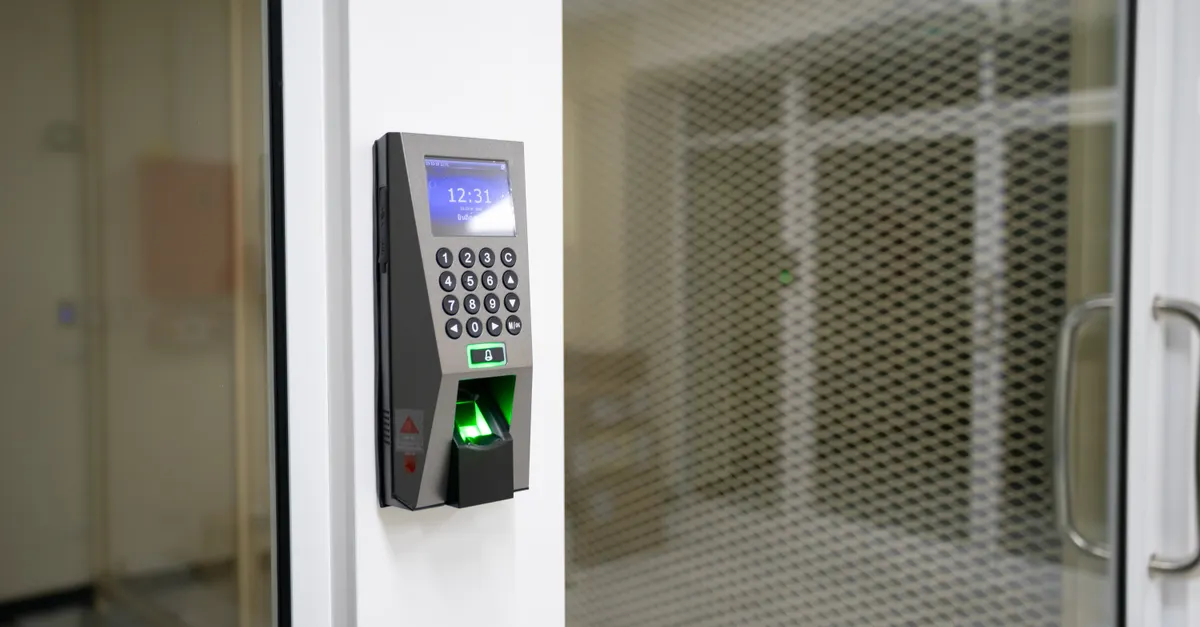
Smart locks have become a popular choice for homeowners and renters seeking convenience and advanced security. However, even the most reliable technology can encounter issues—whether it’s a dead battery, lost phone, or network outage. Knowing your smart lock backup entry methods is essential to avoid being locked out and to maintain peace of mind. This article covers the most common alternatives and practical steps you can take if your smart lock fails, so you’re never left stranded outside your own door.
For those who want to ensure their home remains secure and accessible for everyone, exploring the best deadbolt for shared houses can offer additional insights into combining traditional and smart security solutions.

Why Backup Entry Options Matter for Smart Locks
While smart locks offer features like remote access, keyless entry, and integration with home automation, they are not immune to technical glitches. Power failures, depleted batteries, software bugs, or connectivity issues can all prevent access. That’s why manufacturers and security experts recommend understanding and preparing backup entry options before you ever need them.
Having a plan for smart lock backup entry methods ensures you’re not left outside during emergencies or routine mishaps. It also helps you maintain the security of your property without compromising convenience.
Common Smart Lock Backup Entry Methods
Manufacturers typically include at least one alternative entry method with their smart lock products. Here are the most widely used options:
- Physical Key Override: Many smart locks retain a traditional key cylinder hidden behind a cover or beneath the keypad. This allows you to use a physical key if the electronics fail.
- Keypad Entry: Some models feature a numeric keypad as a backup, letting you enter a PIN code to unlock the door even if your smartphone or app is unavailable.
- Mechanical Thumbturn: On the inside of the door, a manual thumbturn can often be used to unlock the door from within, regardless of electronic status.
- Battery Jump or Emergency Power: Certain smart locks have terminals or ports that let you temporarily power the lock with a 9V battery if the internal batteries are dead.
- Bluetooth or NFC Access: If Wi-Fi is down, some locks can still be opened via Bluetooth or NFC, provided your phone is nearby and has the appropriate app installed.
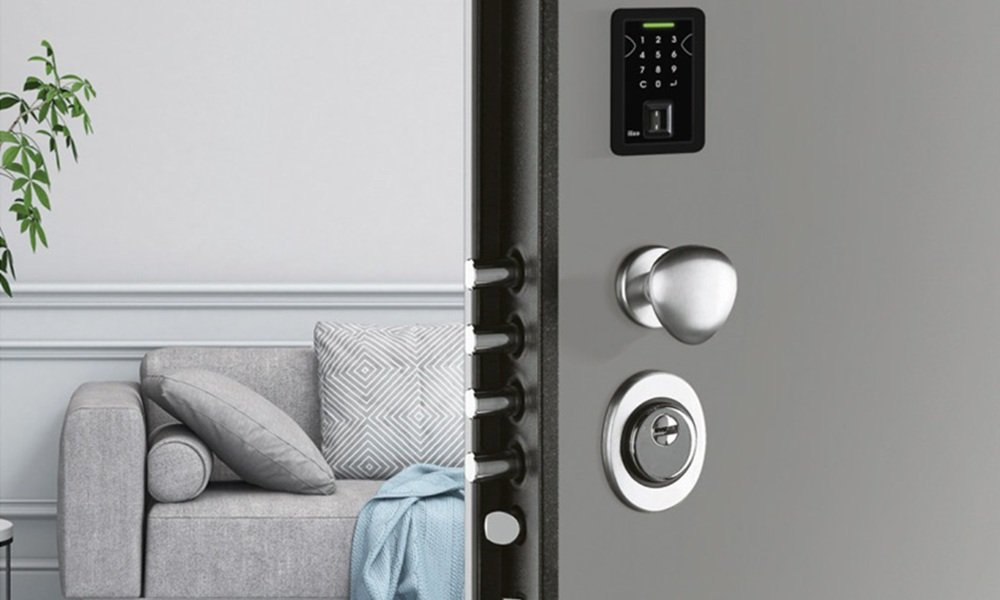
Physical Key Override: The Traditional Fallback
Despite the move toward keyless entry, most smart locks still include a hidden key slot. This backup is invaluable if the lock’s electronics malfunction or the batteries die unexpectedly. Keep your backup key in a secure, accessible place—never inside the house or in obvious outdoor locations. Consider giving a trusted neighbor or family member a spare key as an extra precaution.
When choosing a smart lock, check whether it supports a physical key override. Some ultra-modern designs omit this feature, so review product specifications carefully before purchasing. For more guidance on selecting reliable locks, you can consult resources on how to choose a trustworthy locksmith.
Keypad Codes and PIN Entry as a Backup
Many smart locks feature a built-in keypad, allowing users to enter a PIN code for access. This is especially useful if your smartphone is lost, out of battery, or you’re unable to use the app. Make sure to set a secure, memorable code and update it regularly. Avoid sharing your code widely to maintain security.
Some keypad locks allow you to create temporary codes for guests or service providers, adding flexibility without compromising your main entry method.
Emergency Power Solutions for Smart Locks
One of the most common reasons for smart lock failure is a dead battery. To address this, some manufacturers include emergency power features. For example, you might find two small terminals on the bottom of the lock where you can touch a 9V battery to provide temporary power. This allows you to enter your code or use the app to unlock the door and then replace the batteries inside.
Bluetooth, NFC, and Alternative Wireless Access
Some smart locks offer multiple wireless protocols. If your Wi-Fi network is down, you may still be able to unlock the door using Bluetooth or NFC, provided your phone is compatible and you have the necessary app installed. Always test these features before you need them in an emergency, and keep your phone charged when possible.
When to Call a Locksmith
Despite all precautions, there may be times when none of the backup methods work—perhaps due to a jammed mechanism, lost keys, or forgotten codes. In such cases, contacting a professional locksmith is the safest and most effective solution. Locksmiths can help you regain access without damaging your door or lock, and can also advise on upgrading your system for better reliability. For those considering installation or upgrades, comparing DIY vs professional deadbolt installation can help you decide the best approach for your situation.
Best Practices to Prevent Lockouts
- Regularly check battery levels and replace them before they run low.
- Test all backup entry methods periodically to ensure they work as expected.
- Keep backup keys in a secure but accessible location outside your home.
- Share access codes or keys only with trusted individuals.
- Stay informed about firmware updates and manufacturer recalls for your smart lock model.
For those with elderly family members or accessibility needs, exploring deadbolt security for seniors can provide additional peace of mind and ease of use.
Comparing Popular Smart Lock Brands and Their Backup Features
Not all smart locks are created equal when it comes to backup entry options. Some brands prioritize multiple fail-safes, while others focus on sleek design and may omit traditional keys. Before purchasing, research reviews and manufacturer documentation. For a comprehensive breakdown of leading models and their reliability, see this expert review of the best smart locks and their backup features.
Frequently Asked Questions
What should I do if my smart lock battery dies and I have no physical key?
If your lock supports emergency power (such as a 9V battery terminal), use that to temporarily power the device and gain entry. If not, and no other backup method is available, you may need to contact a locksmith for assistance.
Are keypad codes on smart locks secure?
Keypad codes are secure as long as you use a unique, hard-to-guess code and change it periodically. Avoid sharing your code widely and wipe the keypad regularly to prevent fingerprint clues.
Can I add a backup key option to a smart lock that doesn’t have one?
Most smart locks are designed with their backup features built-in. If your model lacks a physical key override, you cannot retrofit one. Consider replacing it with a model that offers multiple backup entry methods for greater reliability.
Conclusion
Understanding and preparing for smart lock backup entry methods is a key part of modern home security. By familiarizing yourself with your lock’s alternative entry options and maintaining good habits, you can enjoy the convenience of smart technology without sacrificing peace of mind. Always test your backup methods, keep your devices charged, and don’t hesitate to seek professional help if you encounter problems beyond your control.