The rise of home automation and smart locks has transformed how people secure and interact with their living spaces. With advancements in wireless technology and the growing popularity of connected devices, homeowners now have access to a new level of convenience, control, and peace of mind. This guide explores the essentials of integrating smart locks into a connected home, the benefits and challenges, and practical tips for choosing the right solutions for your needs.
Whether you’re upgrading your current security system or building a smart home from scratch, understanding the interplay between automation and modern locking mechanisms is key. For those living with roommates or in shared spaces, you might also find value in exploring the best deadbolt for shared houses to ensure everyone enjoys both security and ease of access.
Understanding Smart Locks in the Age of Automation
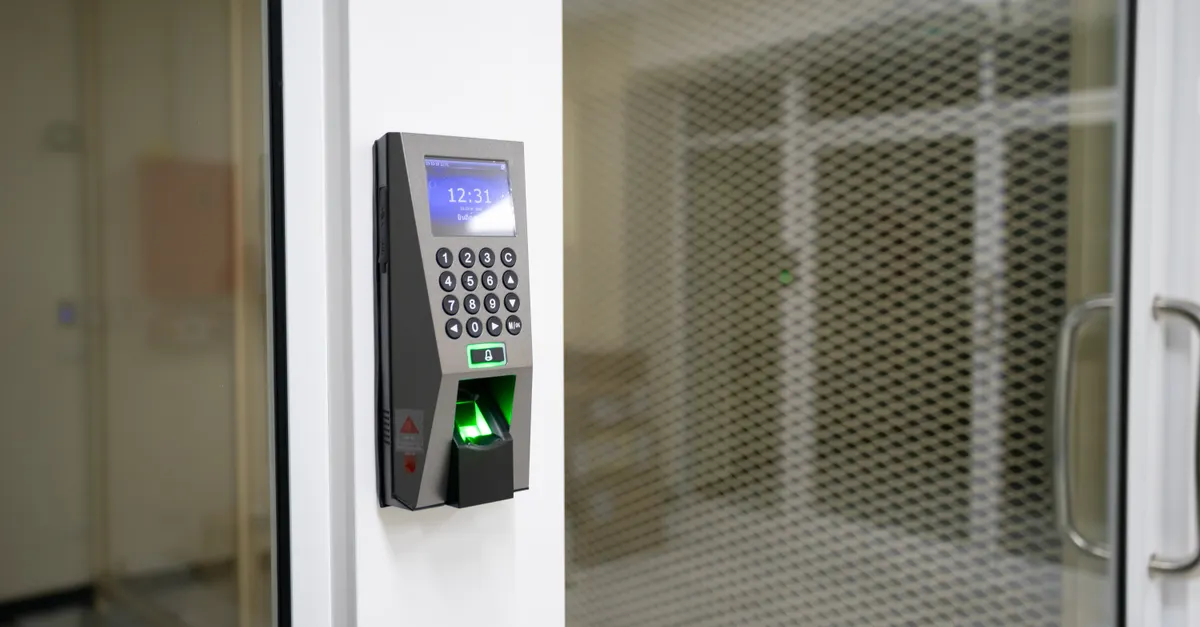
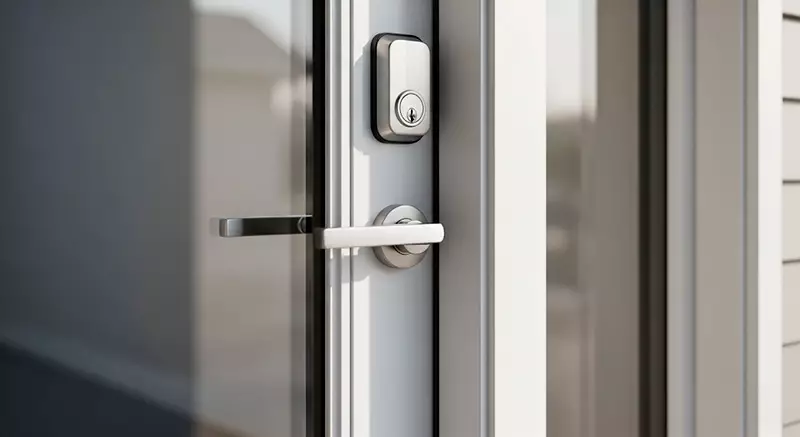
Smart locks are electronic locking devices that allow you to control access to your home using a smartphone, voice assistant, keypad, or even biometric sensors. When combined with home automation platforms, these locks become part of a larger ecosystem, enabling remote monitoring, scheduled locking and unlocking, and integration with other smart devices like lights, cameras, and alarms.
The core advantage of these connected locks is the ability to manage entry points without relying on traditional keys. This not only reduces the risk of lost or copied keys but also allows for flexible access control—such as granting temporary codes to guests or service providers.

Key Benefits of Integrating Smart Locks with Home Automation
Bringing together home automation and smart locks offers a range of practical advantages for homeowners and renters alike:
- Remote Access: Lock or unlock your doors from anywhere using your smartphone or tablet. This is especially useful for letting in guests, family members, or trusted service professionals when you’re not at home.
- Custom Access Codes: Assign unique codes to different users, track who enters and exits, and revoke access instantly if needed.
- Automated Routines: Set your doors to lock automatically at certain times or when you leave the house, and integrate with other smart devices for routines like “Goodnight” or “Away.”
- Enhanced Security: Receive real-time notifications if someone attempts to tamper with your lock or if a door is left unlocked.
- Integration with Security Systems: Connect your locks to alarms, cameras, and sensors for a comprehensive approach to home protection.
For seniors or those with mobility challenges, these features can provide both independence and reassurance. If you’re interested in solutions tailored for older adults, consider reading about deadbolt security for seniors for additional insights.
Choosing the Right Smart Lock for Your Connected Home
Selecting a smart lock involves more than just picking a device with the latest features. Here are some factors to consider:
- Compatibility: Ensure the lock works with your existing door hardware and is compatible with your preferred home automation platform (such as Google Home, Amazon Alexa, or Apple HomeKit).
- Connectivity: Decide between Wi-Fi, Bluetooth, or Z-Wave/Zigbee models. Wi-Fi offers remote access but may use more battery, while Bluetooth and Z-Wave are often more energy-efficient but may require a hub for remote control.
- Power Source: Most smart locks are battery-powered. Check battery life and whether the lock provides low-battery alerts.
- Security Features: Look for features like two-factor authentication, encryption, and physical tamper resistance.
- Installation: Some models are designed for easy DIY installation, while others may require professional help. For guidance, see tips on DIY vs professional deadbolt installation.
For a comprehensive overview of the top-rated devices on the market, you can check out CNET’s expert reviews of the best smart locks.
Common Challenges and Security Considerations
While the convenience of automated locks is undeniable, it’s important to be aware of potential challenges:
- Cybersecurity Risks: Like any connected device, smart locks can be vulnerable to hacking if not properly secured. Always use strong, unique passwords and keep firmware updated.
- Power and Connectivity Issues: Battery depletion or Wi-Fi outages can temporarily disable remote features. Many locks include backup keys or emergency power options, but it’s wise to plan for contingencies.
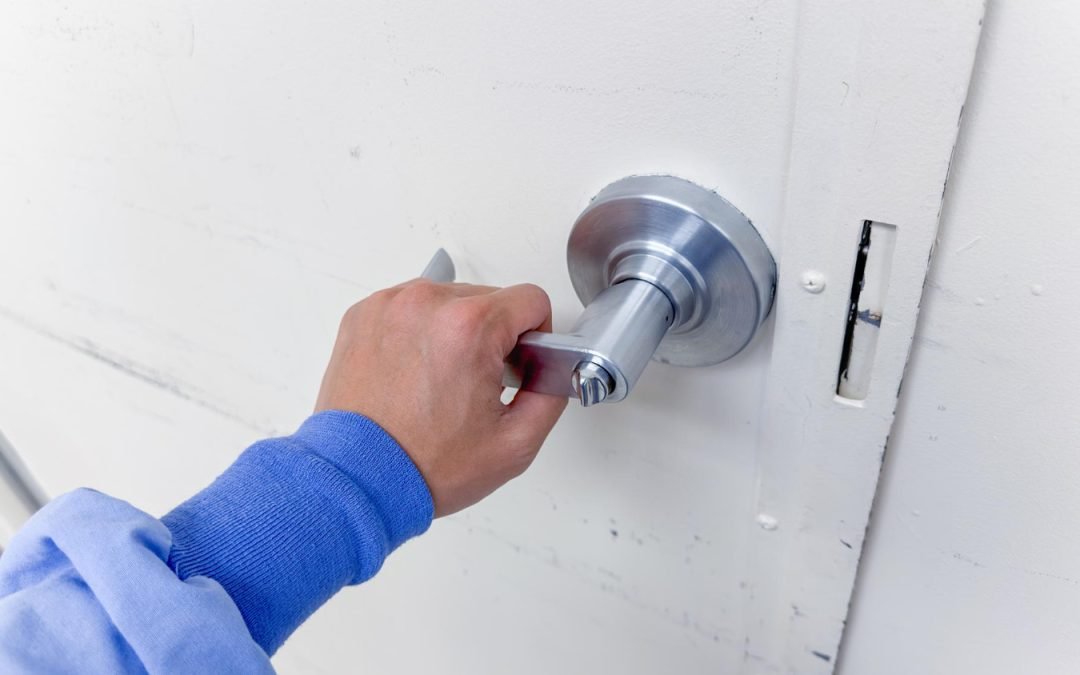
- Physical Security: Even the smartest lock must be physically robust. Choose models with solid construction and proven resistance to forced entry.
- Privacy Concerns: Be mindful of how access logs and user data are stored and who can view them. Opt for brands with transparent privacy policies.
If you’re unsure about sizing or fitting a new lock, resources like how to measure for a deadbolt can help you avoid common mistakes before installation.
Integrating Smart Locks with Other Home Automation Devices
One of the greatest strengths of home automation and smart locks is their ability to work seamlessly with other connected devices. Here are a few integration ideas:
- Smart Lighting: Set your entryway lights to turn on automatically when the door is unlocked after dark.
- Security Cameras: Trigger cameras to start recording when someone enters or exits your home.
- Voice Assistants: Use voice commands to lock or unlock doors, check lock status, or create routines for bedtime or leaving the house.
- Alarm Systems: Automatically arm or disarm your security system based on lock activity.
These integrations not only enhance convenience but also create layered security, making it harder for intruders to go undetected.
Best Practices for Maintaining a Secure Smart Home
To maximize the benefits of your connected security setup, keep these best practices in mind:
- Regularly update device firmware to patch vulnerabilities.
- Change access codes and passwords periodically, especially after guests or tenants leave.
- Monitor access logs for unusual activity.
- Enable two-factor authentication where available.
- Educate household members about safe usage and privacy settings.
If you’re looking for tips on selecting a reliable service provider, see advice on how to choose a trustworthy locksmith for your installation or maintenance needs.
FAQ: Smart Locks and Home Automation
Are smart locks as secure as traditional locks?
When properly installed and maintained, quality smart locks offer security on par with or even exceeding traditional locks. Look for models with strong physical construction and advanced encryption to minimize risks.
What happens if my smart lock loses power or Wi-Fi connection?
Most smart locks are battery-powered and will alert you when batteries run low. Many also offer backup key access or emergency charging options. If Wi-Fi is lost, local Bluetooth or keypad access usually remains functional.
Can I integrate smart locks with my existing security system?
Yes, many smart locks are designed to work with popular home automation hubs and security platforms. Always check compatibility before purchasing to ensure smooth integration with your current setup.
How do I grant temporary access to guests or service providers?
Most smart locks allow you to create temporary codes or digital keys that can be activated for specific times or dates. This is ideal for Airbnb hosts, cleaners, or friends and family visiting while you’re away.
Do smart locks require professional installation?
Many models are designed for easy DIY installation, but complex setups or retrofitting older doors may benefit from professional help. Always follow manufacturer instructions and consider consulting a locksmith for best results.
The world of home automation and smart locks is rapidly evolving, offering homeowners new ways to enhance security, convenience, and control. By understanding your options, prioritizing security, and integrating devices thoughtfully, you can create a connected home that truly meets your needs.