


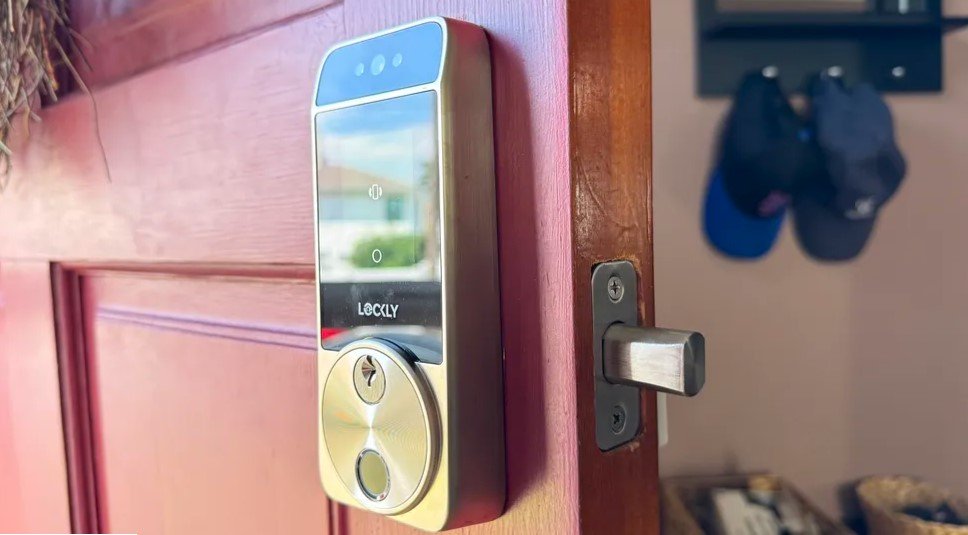
Electronic deadbolts with keypads have become a staple for modern home security, offering convenience and keyless entry. However, like any technology, they can sometimes malfunction or present challenges. Whether your lock won’t respond, the keypad isn’t lighting up, or you’re locked out, understanding keypad deadbolt troubleshooting is essential for restoring security and peace of mind quickly.
This guide covers the most frequent problems users encounter with digital deadbolts, practical steps to resolve them, and tips to prevent future issues. If you’re dealing with unresponsive buttons, battery failures, or programming glitches, you’ll find actionable solutions here. For those interested in maintaining their lock’s reliability, knowing how to change deadbolt batteries is a great place to start, as power issues are a leading cause of keypad failures.
Common Problems With Electronic Deadbolts
Before diving into solutions, it helps to recognize the most typical issues that arise with keypad locks. Here are the most frequent complaints:
- Keypad not responding or lighting up
- Lock won’t engage or disengage
- Incorrect code rejection
- Low battery warnings or dead batteries
- Physical jamming or sticking
- Programming errors or lost codes
Identifying which of these applies to your situation is the first step in effective keypad deadbolt troubleshooting. Each problem has its own set of causes and solutions.
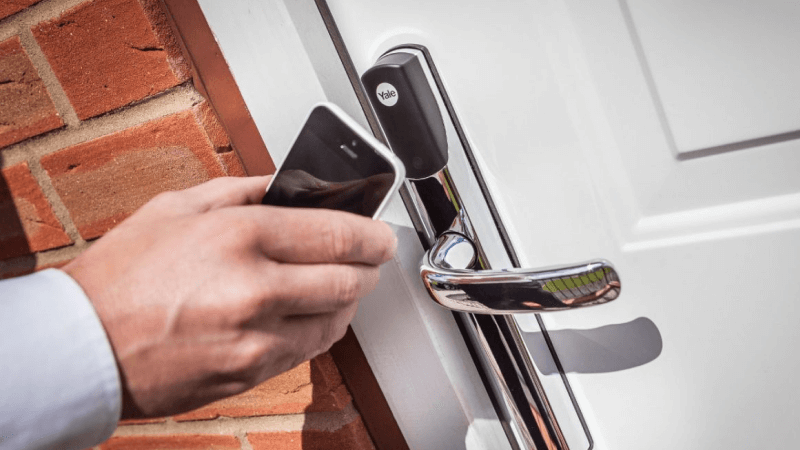
Power and Battery Issues: The Most Common Culprit
Most electronic deadbolts rely on batteries for operation. If your keypad is unresponsive, dim, or erratic, power is the first thing to check. Here’s how to address common battery-related problems:
- Check for low battery indicators. Many locks flash a light or beep when batteries are low. Replace them as soon as possible.
- Use the correct battery type. Always follow the manufacturer’s recommendations. Mixing old and new batteries can cause malfunctions.
- Inspect battery contacts. Corrosion or dirt on contacts can interrupt power. Gently clean with a dry cloth or a pencil eraser.
- Test after replacement. Once new batteries are installed, test the keypad and locking mechanism before closing the door.
For a detailed walkthrough on battery replacement, see this how to change deadbolt batteries guide. Keeping batteries fresh is the simplest way to avoid most electronic lock failures.
Keypad and Code Entry Problems
If the keypad lights up but doesn’t accept your code, or if the lock won’t open even with the correct code, try these steps:
- Double-check the entry code. Make sure you’re using the correct sequence and that no buttons are sticking.
- Reset the lock. Many models have a reset button or procedure in the manual. This can clear programming errors.
- Reprogram user codes. If you suspect codes have been deleted or altered, follow the manufacturer’s instructions to reprogram them.
- Inspect for physical damage. Cracked or worn keypads may not register input correctly and may need replacement.
Sometimes, environmental factors like rain or dust can affect keypad performance. Gently clean the surface with a dry, soft cloth to remove debris.
Mechanical and Alignment Issues
Even with perfect electronics, a deadbolt can fail if there are mechanical problems. Here’s what to check:
- Door alignment. If the door or frame has shifted, the bolt may not slide smoothly. Adjust hinges or strike plate as needed.
- Lubricate moving parts. Use a graphite-based lubricant (never oil) on the bolt and keyway to reduce sticking.
- Check for obstructions. Debris or swelling in the door frame can block the bolt. Clear any blockages.
Physical jamming is often mistaken for electronic failure. If the keypad works but the bolt won’t move, focus on the mechanical side.

Advanced Keypad Deadbolt Troubleshooting Techniques
If basic steps haven’t resolved the issue, try these advanced troubleshooting methods:
- Factory reset. Most digital deadbolts can be restored to original settings. This erases all codes and settings, so consult your manual first.
- Firmware updates. Some smart locks allow updates via app or USB. Keeping firmware current can resolve glitches.
- Check for interference. Wireless models may be affected by Wi-Fi or Bluetooth interference. Move routers or other devices if needed.
- Consult support. If your lock is still under warranty, contact the manufacturer for technical support or replacement.
For more information on the different types of locks and their mechanisms, see this guide to deadbolt lock types for a deeper understanding of what might be causing your issue.
Preventing Future Lock Problems
Regular maintenance and smart habits can help you avoid most keypad lock issues:
- Replace batteries proactively every 6–12 months or at the first sign of weakness.
- Keep the keypad clean and dry. Moisture and dirt are common causes of malfunction.
- Test all codes after programming or battery changes to ensure proper function.
- Inspect door alignment and hardware periodically, especially after weather changes or home repairs.
- Store backup keys or codes securely in case of electronic failure.
For more tips on securing your entry points, you may also find value in this resource on best home entry door security tips.
When to Call a Professional Locksmith
Some problems are best left to experts. If you experience any of the following, it’s time to seek professional help:
- Repeated failures after troubleshooting
- Physical damage to the lock or keypad
- Broken internal components
- Lost master codes or total lockout
Locksmiths have the tools and experience to diagnose and repair complex issues, and can often restore your lock without the need for full replacement.
FAQ: Keypad Deadbolt Issues and Solutions
Why does my keypad deadbolt stop working after a battery change?
After replacing batteries, some locks require a reset or reprogramming. Ensure batteries are installed correctly and that contacts are clean. If problems persist, consult your lock’s manual for specific reset instructions.
What should I do if my code suddenly stops working?
First, verify that you’re entering the correct code. If it still fails, try resetting the lock or reprogramming user codes. Sometimes, codes can be accidentally deleted or overwritten during battery changes or programming attempts.
Can weather affect my electronic deadbolt?
Yes, extreme temperatures, moisture, and humidity can impact both the electronics and mechanical parts of your lock. Keep the keypad dry and check for swelling or warping in the door that could affect alignment.
How can I prevent keypad lockouts?
Regularly test your codes, replace batteries before they die, and keep a backup key or alternate access method available. Avoid storing backup keys in obvious outdoor locations for security reasons.
Conclusion
Addressing issues with electronic deadbolts doesn’t have to be stressful. By following these keypad deadbolt troubleshooting steps, most problems can be resolved quickly and without professional help. Regular maintenance, prompt battery replacement, and careful code management will keep your lock working reliably. For more in-depth advice on smart lock security, you might also want to explore topics like can smart deadbolts be hacked and the bluetooth deadbolt lock guide to stay informed about the latest in home security technology.


