


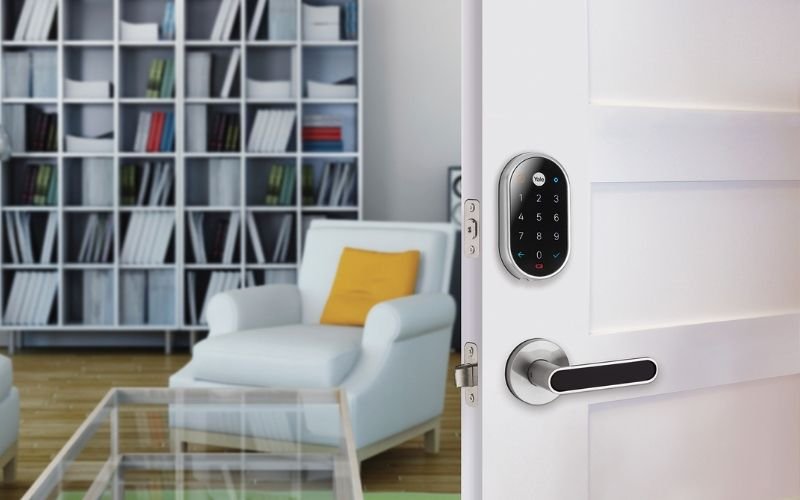
Smart locks have become a popular choice for homeowners seeking convenience and enhanced security. However, like any technology, these devices can present challenges that may leave you locked out or frustrated. Understanding the most common smart lock issues and how to address them can save you time, money, and stress. This article explores frequent problems with smart locks, practical solutions, and tips to keep your entryway secure and functional.
Whether you’re new to smart locks or have used them for years, knowing how to troubleshoot typical malfunctions is essential. For those interested in maximizing home security, you might also find our guide on best home entry door security tips helpful for peace of mind.
Battery-Related Smart Lock Problems
One of the most frequent smart lock problems is related to battery life. Many users are caught off guard when their lock stops responding due to depleted batteries. Some models provide low-battery warnings, but these alerts can be missed or ignored.
- Symptoms: Lock not responding, keypad or app unresponsive, or slow operation.
- Solutions:
- Replace batteries with high-quality alkaline or lithium types as recommended by the manufacturer.
- Check for corrosion or debris in the battery compartment and clean if necessary.
- Set calendar reminders to check and replace batteries regularly, even if no warning is displayed.
Consistent battery maintenance helps prevent unexpected lockouts and ensures your smart lock remains reliable.
Connectivity and App Integration Challenges
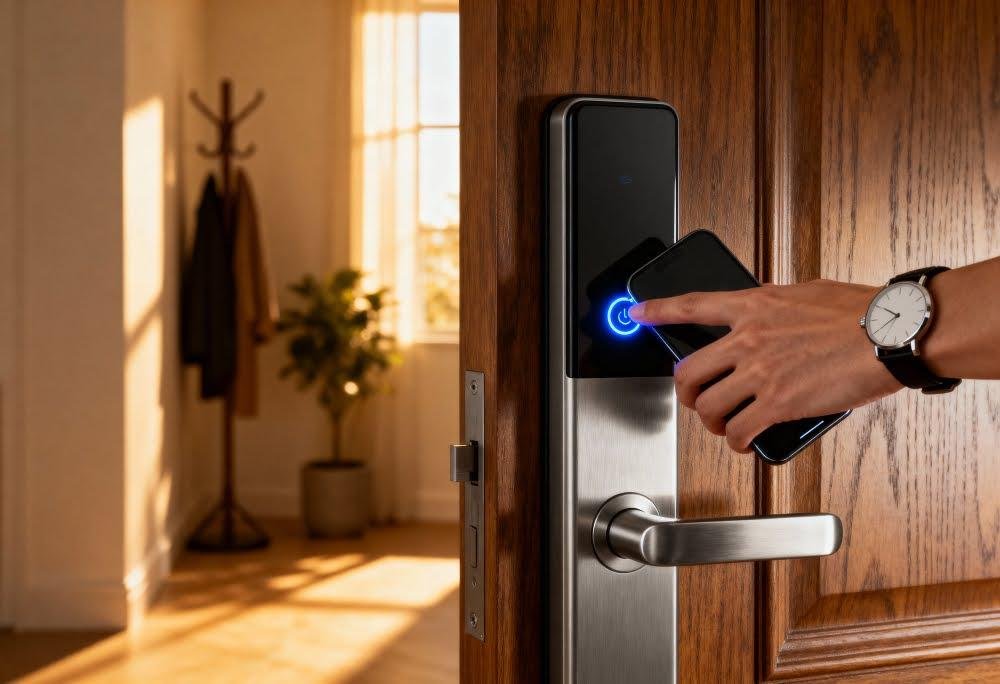
Another widespread concern is connectivity. Smart locks often rely on Wi-Fi, Bluetooth, or Z-Wave to communicate with your smartphone or home automation system. Connectivity failures can prevent remote locking, unlocking, or receiving notifications.
- Symptoms: App cannot find the lock, delayed responses, or inability to control the lock remotely.
- Solutions:
- Ensure your home Wi-Fi or Bluetooth signal is strong near the door. Consider moving your router or using a range extender.
- Restart your smartphone and the lock’s app. Sometimes, a simple reboot resolves temporary glitches.
- Update the lock’s firmware and your app to the latest versions for improved compatibility.
- Re-pair the lock with your device if connection issues persist.
For those interested in advanced features and compatibility, the bluetooth deadbolt lock guide offers insights into the pros and cons of different smart lock technologies.
Mechanical and Alignment Issues
Even the smartest lock relies on solid mechanical function. Physical misalignment between the lock and door frame can cause jamming, sticking, or failure to lock/unlock properly. This is especially common after door installations or seasonal changes that affect wood swelling.
- Symptoms: Lock motor strains, bolt doesn’t fully extend or retract, or you hear grinding noises.
- Solutions:
- Check that the door closes smoothly and the deadbolt aligns perfectly with the strike plate.
- Tighten loose screws on the lock and door hardware.
- If necessary, adjust the strike plate or sand down areas where the bolt catches.
- Lubricate the bolt with graphite or a manufacturer-approved lubricant (avoid oil-based products).
Mechanical issues are often overlooked but can be quickly resolved with basic tools and attention to alignment.
Access Code and User Management Difficulties
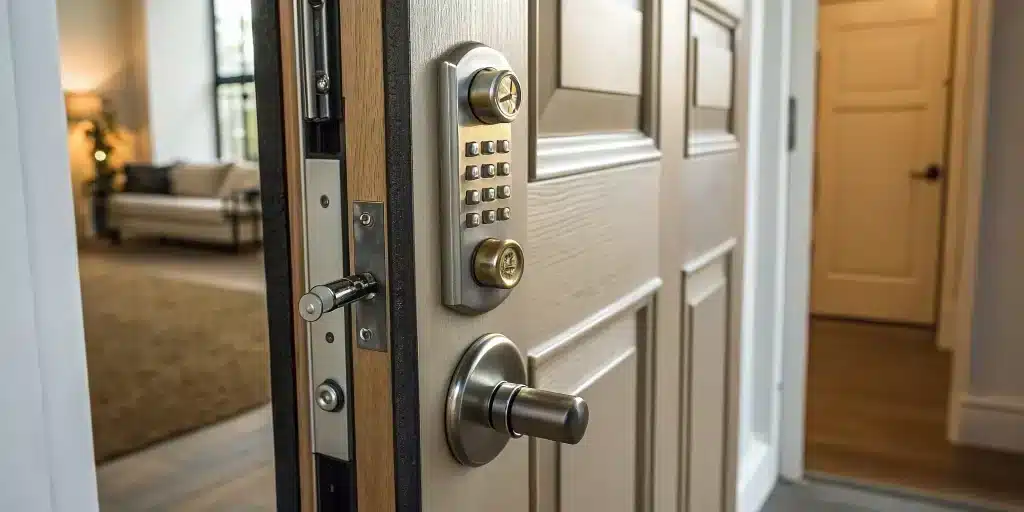
Managing digital access codes is a key benefit of smart locks, but it can also be a source of confusion. Forgotten codes, expired access, or too many users can lead to frustration and security risks.
- Symptoms: Users unable to unlock the door, error messages, or codes not working as expected.
- Solutions:
- Regularly review and update access codes, removing users who no longer need entry.
- Use the lock’s app to set temporary codes for guests or service providers and delete them after use.
- Reset the lock to factory settings if codes become unmanageable (refer to the manufacturer’s instructions).
For those seeking the most reliable options, our review of best keypad deadbolt locks highlights models with intuitive user management features.
Security Concerns and Hacking Risks
Security is a top priority for anyone using smart locks. While these devices offer advanced protection, they are not immune to vulnerabilities. Concerns about hacking, unauthorized access, or flaws in encryption are common among users.
- Symptoms: Suspicious activity logs, unexpected lock behavior, or security alerts from the app.
- Solutions:
- Change your lock’s default codes and passwords immediately after installation.
- Enable two-factor authentication if available.
- Keep your lock’s firmware and app updated to patch known vulnerabilities.
- Monitor access logs for unusual activity and revoke access for unknown users.
For a deeper look at digital threats and how to minimize them, see our article on can smart deadbolts be hacked for a detailed security analysis.
When to Call a Locksmith or Seek Professional Help
While many common smart lock issues can be resolved with basic troubleshooting, there are times when professional assistance is necessary. If your lock is physically damaged, refuses to reset, or you suspect a serious security breach, it’s best to contact a qualified locksmith or the manufacturer’s support team.
Professional help is also recommended for complex installations, integrating with advanced home automation systems, or upgrading to higher-security models. For garage entryways, our guide on deadbolt lock for garage entry door explains what works best for different entry points.
Tips to Prevent Smart Lock Problems
Preventative care is the most effective way to avoid headaches with your smart lock. Here are some practical tips:
- Check batteries every 3–6 months and keep spares on hand.
- Test your lock’s connectivity after any changes to your home network or phone.
- Inspect the door and lock alignment seasonally, especially after weather changes.
- Regularly review user access and update codes as needed.
- Stay informed about firmware updates and install them promptly.
For additional strategies to boost your home’s security, you can read about how locks increase home security and the role of smart devices in modern protection.
Frequently Asked Questions
How do I reset my smart lock if it stops working?
Most smart locks have a reset button or a specific procedure outlined in the user manual. Typically, you’ll need to remove the battery cover, press and hold the reset button for several seconds, and then follow the app’s instructions to re-pair the device. Always consult your manufacturer’s guide for model-specific steps.
What should I do if my smart lock won’t connect to Wi-Fi or Bluetooth?
First, ensure your home network is functioning and the signal is strong near the door. Restart your router, the lock, and your smartphone. If problems persist, try re-pairing the lock, updating firmware, or moving your router closer to the entryway. If none of these steps work, contact customer support.
Are smart locks safe from hackers?
While no device is completely immune to hacking, reputable smart locks use strong encryption and security protocols. To enhance safety, always change default codes, enable two-factor authentication, and keep your devices updated. Monitoring access logs and using secure networks further reduces risk.


