Smart deadbolts have rapidly transformed home and business security, offering a blend of traditional locking mechanisms and advanced digital features. If you’re curious about how smart deadbolts work, this guide breaks down the technology, components, and practical benefits behind these modern locks. Whether you’re considering an upgrade or want to understand the mechanics, learning about these devices can help you make informed decisions about your property’s safety.
Unlike standard deadbolts, smart versions use a combination of mechanical parts and electronic systems. This integration allows for remote access, user management, and enhanced security features that go beyond a simple key. Before diving into the technical details, it’s important to recognize that even the best smart lock is only as effective as its installation and maintenance. If you’re interested in evaluating your current lock’s effectiveness, you might find this resource on how to test deadbolt security helpful.
The Core Technology Powering Smart Deadbolts
At their heart, smart deadbolts combine traditional lock hardware with digital electronics. The core components typically include:
- Motorized locking mechanism – Instead of turning a key, a small motor engages or retracts the bolt based on electronic signals.
- Microcontroller – Acts as the “brain” of the lock, processing input from keypads, apps, or wireless signals.
- Wireless connectivity – Most models support Bluetooth, Wi-Fi, or Z-Wave, enabling remote control and integration with smart home systems.
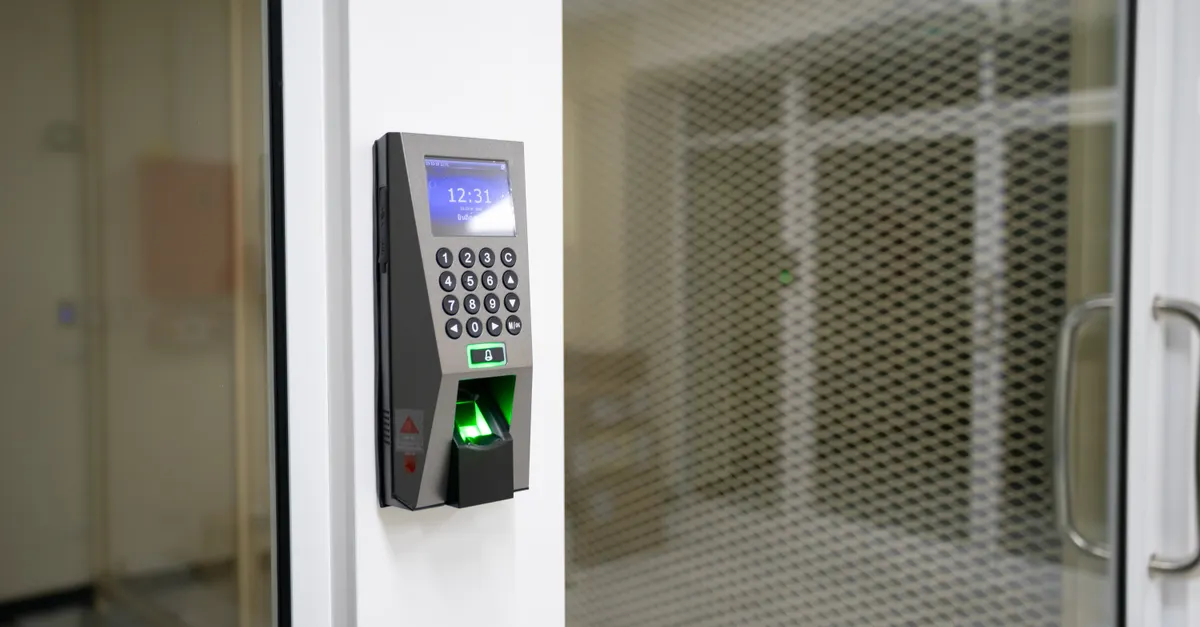
- Authentication interface – This could be a numeric keypad, fingerprint scanner, or even voice recognition, depending on the model.
- Power source – Typically batteries, with some offering backup power options or low-battery alerts.
When a user interacts with the lock—via a smartphone app, keypad, or biometric sensor—the microcontroller verifies credentials and signals the motor to operate the bolt. This seamless process is what sets smart deadbolts apart from their mechanical counterparts.
Connectivity and Remote Access Explained
One of the most significant advantages of smart deadbolts is their ability to connect to other devices and networks. Here’s how connectivity works in practice:
- Bluetooth – Allows users to lock or unlock doors using a smartphone within a short range. This is energy-efficient and doesn’t require an internet connection.
- Wi-Fi – Enables remote access from anywhere with internet connectivity. Users can check lock status, receive notifications, and manage access codes even when away from home.
- Z-Wave and Zigbee – These protocols are popular for integrating with smart home hubs, allowing automation and voice control through platforms like Alexa or Google Assistant.
With these options, homeowners can grant temporary access to guests, monitor entry logs, and receive alerts if the lock is tampered with. The flexibility and control provided by these features are a major reason why many people are making the switch.
Security Features and User Management
Understanding how smart deadbolts work also means looking at the enhanced security features they offer. Key elements include:
- Multiple authentication methods – PIN codes, biometrics, or app-based unlocking reduce reliance on physical keys, which can be lost or copied.
- Access logs – Most smart locks keep a record of who entered and when, providing valuable oversight for homeowners and property managers.
- Temporary and scheduled access – Granting access to guests, cleaners, or contractors is simple and can be time-limited for added security.
- Automatic locking – Some models automatically lock after a set period, reducing the risk of accidentally leaving doors unlocked.
- Tamper alerts – If someone tries to force the lock or enter an incorrect code repeatedly, the system can send alerts to your phone.
These features make smart deadbolts a strong choice for those seeking both convenience and peace of mind. However, it’s still important to maintain the lock and address any issues promptly. For example, if you notice resistance or sticking, you may want to learn how to repair sticky deadbolts before problems escalate.
Mechanical vs. Smart Deadbolt Construction
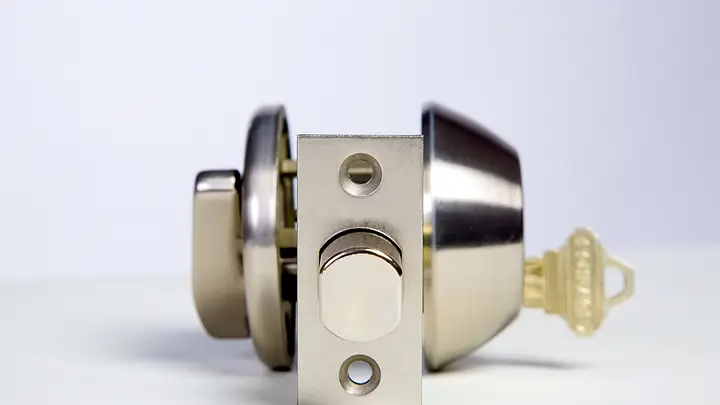
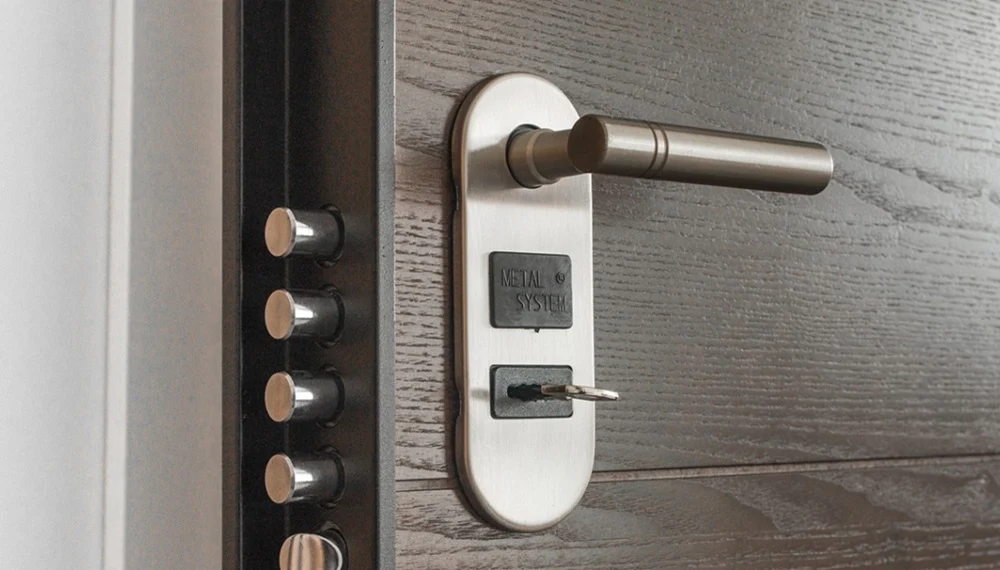
While the digital features are impressive, the underlying mechanical structure still plays a crucial role. Smart deadbolts use the same basic bolt and strike plate design as traditional models, but with added electronics. The strength of the bolt, the quality of the materials, and the installation method all impact overall security.
For a deeper dive into the different types of deadbolts and their construction, you can refer to this comprehensive guide to deadbolt types. This resource covers everything from single-cylinder to multipoint locks, helping you understand which options best suit your needs.
It’s also worth noting that, despite their technology, smart deadbolts are not immune to physical vulnerabilities. Regular inspection and timely replacement are essential. If you notice signs of wear or malfunction, check out advice on signs your deadbolt needs replacement to stay ahead of potential security risks.
Common Issues and Maintenance Tips
Even with advanced technology, smart deadbolts can face issues such as battery failure, connectivity loss, or mechanical jamming. Here are some practical maintenance tips:
- Check and replace batteries regularly. Most locks provide low-battery warnings, but it’s wise to set a reminder.
- Keep firmware updated via the manufacturer’s app to patch security vulnerabilities and improve performance.
- Clean and lubricate the mechanical parts periodically to prevent sticking or jamming.
- Test your lock’s remote features after any network changes or app updates.
- If you encounter persistent problems, review guidance on what causes deadbolt jamming for troubleshooting steps.
Proper care ensures your smart deadbolt continues to provide reliable protection and convenience.
Integration with Smart Home Ecosystems
Modern smart deadbolts are designed to work seamlessly with other smart home devices. Integration allows for:
- Automated routines, such as locking doors when you leave the house or arming a security system.
- Voice control through assistants like Alexa, Google Assistant, or Siri.
- Notifications and real-time alerts on your smartphone or smartwatch.
- Remote monitoring and control, even when you’re traveling.
When choosing a smart deadbolt, consider compatibility with your existing smart home setup. Some locks require a dedicated hub, while others connect directly to your Wi-Fi network.
Frequently Asked Questions
Are smart deadbolts as secure as traditional locks?
Smart deadbolts offer comparable mechanical strength to standard locks, but with added digital features like access logs and remote control. Their security depends on both the physical construction and the strength of digital protections such as encryption and authentication. Regular updates and strong passwords help maximize safety.
What happens if the battery dies in a smart deadbolt?
Most smart deadbolts provide low-battery alerts well in advance. If the battery does die, many models offer backup key access or emergency power options, such as a 9V battery terminal. Always check your lock’s manual for specific instructions.
Can smart deadbolts be hacked?
Like any connected device, smart deadbolts can be vulnerable to hacking if not properly secured. Using strong, unique passwords, enabling two-factor authentication, and keeping firmware updated are important steps to reduce risk. Choose reputable brands with a track record of security updates.
Do I need professional installation for a smart deadbolt?
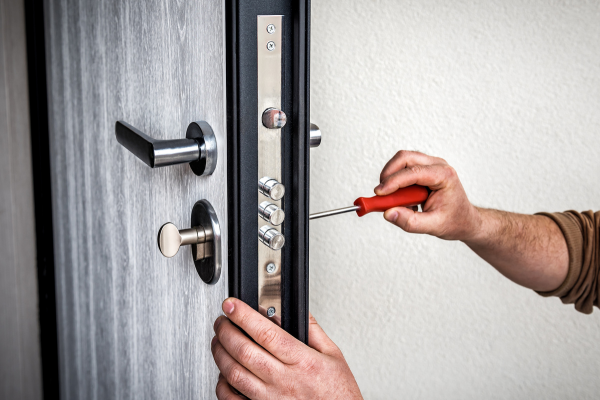
Many smart deadbolts are designed for DIY installation, but professional help can ensure optimal security and correct integration with your door and smart home system. If you’re unsure, consulting a locksmith is a good idea.
Understanding the mechanics and technology behind smart deadbolts empowers you to make the best choice for your security needs. With proper installation, regular maintenance, and thoughtful integration, these devices can provide both convenience and robust protection for your home or business.