


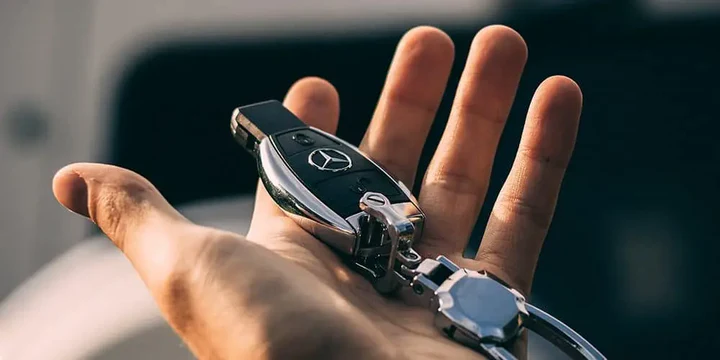
Programming a modern car key fob can save time and money, but it’s easy to make costly errors if you’re not careful. Whether you’re a car owner attempting a DIY approach or a locksmith looking to avoid common pitfalls, understanding the most frequent key fob programming mistakes to avoid is crucial. These errors can lead to wasted time, malfunctioning remotes, or even security risks. This guide covers the most common missteps, how to prevent them, and what to do if you run into trouble.
Before diving into the details, it’s helpful to understand the basics of key fob technology and why proper programming matters. If you’re interested in related topics, such as how to safely store a spare remote, check out our how to store spare key fob at home guide for practical tips.
Understanding Key Fob Technology and Programming
Modern vehicle remotes use a combination of electronic chips, radio frequencies, and security protocols. Each car manufacturer—and often each model—may require a unique process for pairing a new remote. Some vehicles allow for simple DIY programming, while others require specialized diagnostic tools or dealer-level equipment.
For a deeper look at the different types of car keys and their technologies, you can review this comprehensive guide to car key types.
Common Key Fob Programming Errors
Let’s explore the most frequent key fob programming mistakes that can cause frustration or even compromise your vehicle’s security.
Using the Wrong Remote or Chip
Not all remotes are created equal. Even if two fobs look identical, the internal chip or frequency may differ. Using an incompatible remote is one of the top key fob programming mistakes to avoid. Always verify the part number and compatibility with your specific vehicle model and year before starting the process.
Ignoring Battery Health
Attempting to program a remote with a weak or dead battery can lead to incomplete programming or signal failures. Always insert a fresh battery before starting. If you’re unsure how to open your remote safely, our best tools to open key fob case without damage article provides step-by-step guidance.
Not Following the Correct Programming Sequence
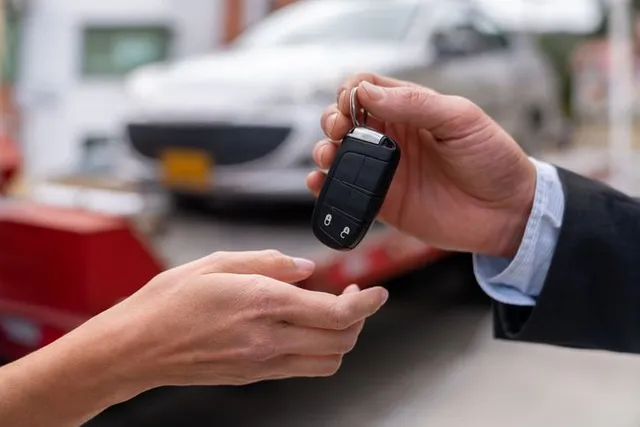
Each vehicle has a specific sequence for pairing a remote, such as turning the ignition key a certain number of times or pressing buttons in a particular order. Skipping steps or rushing through the process can result in failure. Always consult your owner’s manual or a trusted locksmith for the exact procedure.
Overlooking Security Features
Some vehicles have anti-theft systems that require all remotes to be programmed at once. If you add a new remote without reprogramming the existing ones, you may inadvertently disable your old keys. This is a frequent oversight and a critical key fob programming mistake to watch for.
Attempting DIY on Dealer-Only Systems
Certain vehicles, especially newer models, require dealer-level equipment or advanced locksmith tools for remote programming. Attempting a DIY approach on these systems can lock you out or trigger security protocols. When in doubt, consult a professional.
How to Prevent Key Fob Programming Pitfalls
Being proactive can save you time and money. Here are practical strategies to steer clear of the most common key fob programming mistakes:
- Double-check compatibility before purchasing a new remote. Use your car’s VIN or consult a locksmith.
- Replace the battery in your new and existing fobs before starting the process.
- Read the instructions fully and follow each step carefully. Don’t skip or rush.
- Program all remotes together if your vehicle requires it. This ensures no keys are left out.
- Seek professional help if your car uses advanced security systems or if you’re unsure about the process.
What to Do If Programming Fails
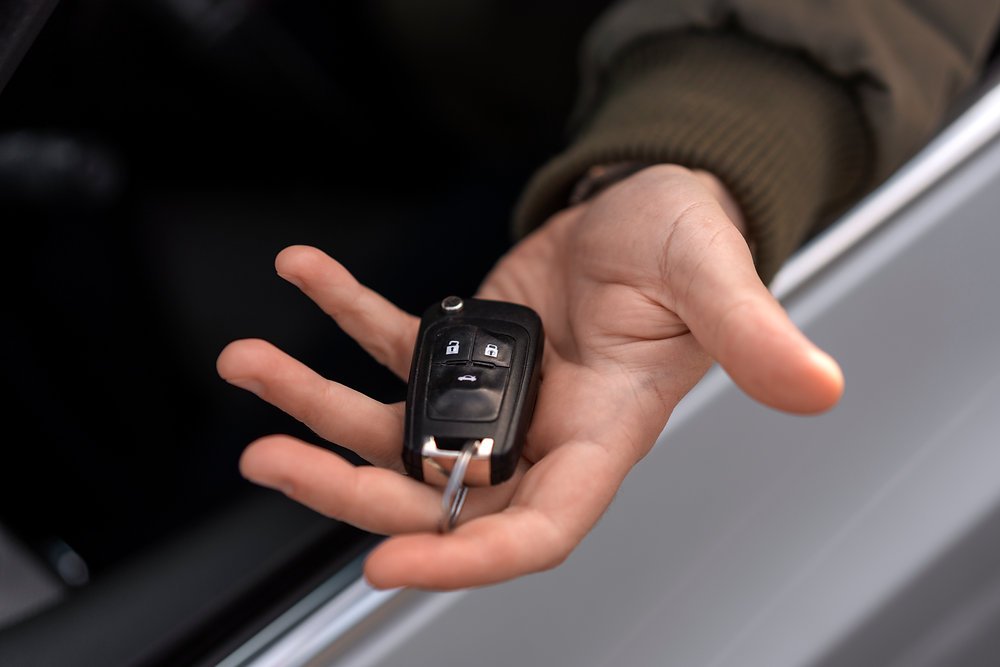
If your remote doesn’t work after programming, don’t panic. Here are steps to troubleshoot:
- Check the battery again, even if it’s new.
- Repeat the programming sequence from the beginning, ensuring each step is followed exactly.
- Try a different remote if you suspect compatibility issues.
- Consult a locksmith or your vehicle’s dealer if problems persist.
For vehicles with push-to-start systems or advanced security, a failed attempt may temporarily lock you out. In these cases, avoid repeated attempts and seek professional assistance.
Security and Safety Considerations
Programming errors can create vulnerabilities. For example, leaving old remotes active increases the risk if a lost or stolen key is found by someone else. Always ensure that only your current remotes are programmed and active. If you’re concerned about the security of your vehicle, review our licensed locksmith service transparency rules for tips on choosing a trustworthy professional.
Additionally, avoid sharing programming instructions or codes online, as this can put your vehicle at risk.
Professional vs. DIY Programming: Making the Right Choice
While many car owners successfully program remotes themselves, there are situations where professional help is the safer and more efficient option. If your vehicle uses encrypted chips, rolling codes, or requires specialized tools, a locksmith or dealer will have the necessary equipment and expertise. Attempting to bypass these systems can lead to expensive repairs or security issues.
On the other hand, if your car supports simple DIY programming, following the correct steps and avoiding the mistakes outlined above can save you both time and money. If you’re unsure, consult your owner’s manual or reach out to a professional for advice.
FAQ
Can I program a new key fob myself?
For many older vehicles, you can program a new remote using instructions found in the owner’s manual. However, newer models often require specialized tools or dealer intervention. Always check your vehicle’s requirements before attempting DIY programming.
What should I do if my key fob stops working after programming?
First, check the battery and repeat the programming process, making sure to follow each step exactly. If the issue persists, try a different remote or consult a locksmith. Sometimes, a reset or professional reprogramming is needed.
How can I tell if my remote is compatible with my car?
Check the part number on your original remote and compare it to the replacement. You can also use your vehicle’s VIN to confirm compatibility with the seller or a locksmith. Using an incompatible remote is a common cause of programming failure.
Are there tools to help boost my key fob’s signal?
Yes, there are devices designed to extend the range of your remote. If you’re experiencing range issues, our key fob signal booster article explains when and how to use these tools safely.
Conclusion
Programming a car remote doesn’t have to be complicated, but avoiding the most common key fob programming mistakes is essential for success. By verifying compatibility, using fresh batteries, following instructions carefully, and seeking professional help when needed, you can ensure your remote works reliably and securely. If you ever feel uncertain, reaching out to a trusted locksmith can prevent costly errors and keep your vehicle protected.


