


If your Jeep key fob has stopped working or is behaving unpredictably, you’re not alone. Many drivers experience issues with their remote entry devices, from unresponsive buttons to lost synchronization with the vehicle. Knowing how to perform a jeep key fob reset can save you time, money, and frustration. This article covers the essential steps, troubleshooting tips, and answers to common questions so you can regain control of your vehicle’s remote access quickly and safely.
Before diving into the reset process, it’s important to understand that key fobs are sophisticated devices that rely on both hardware and software. Sometimes, a simple battery replacement does the trick, but other times, a full reset is necessary. If you’re interested in related topics, such as keeping your spare remote secure, check out our guide on how to store spare key fob at home for practical storage solutions.
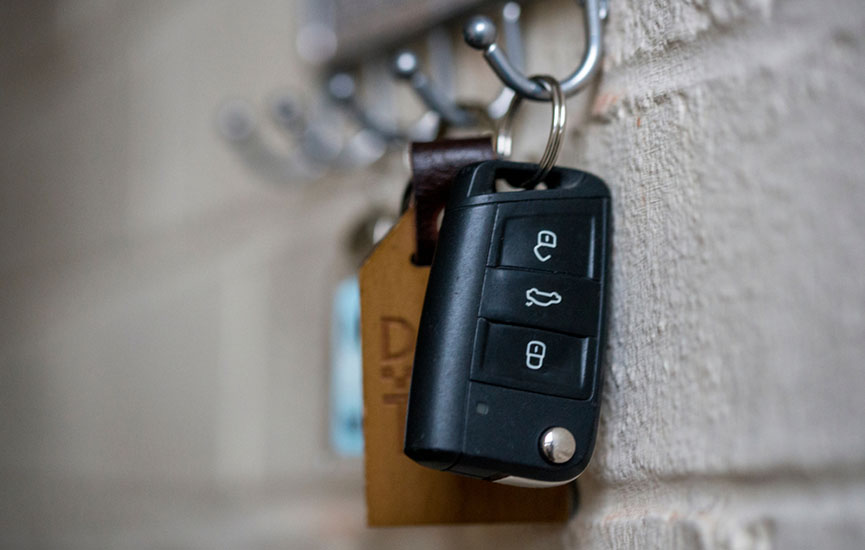
Understanding Jeep Key Fob Technology
Modern Jeep vehicles use advanced keyless entry systems that communicate wirelessly between the fob and your car. These remotes are programmed specifically for your vehicle, ensuring security and convenience. However, interference, battery depletion, or accidental reprogramming can cause the fob to lose its connection. Knowing when and how to reset the device is crucial for uninterrupted access.
There are several types of key fobs, each with unique features. For more information on the different kinds of vehicle keys and remotes, you might find this overview of vehicle key types helpful.
When Should You Reset Your Jeep Remote?
A reset is usually required if:
- The remote stops locking or unlocking doors.
- The panic button or trunk release does not respond.
- You’ve replaced the battery and it still doesn’t work.
- The fob was exposed to water or dropped.
- You’re experiencing intermittent or unreliable performance.
If you’re unsure whether a reset is needed, try replacing the battery first. If problems persist, follow the steps below to reprogram your remote.
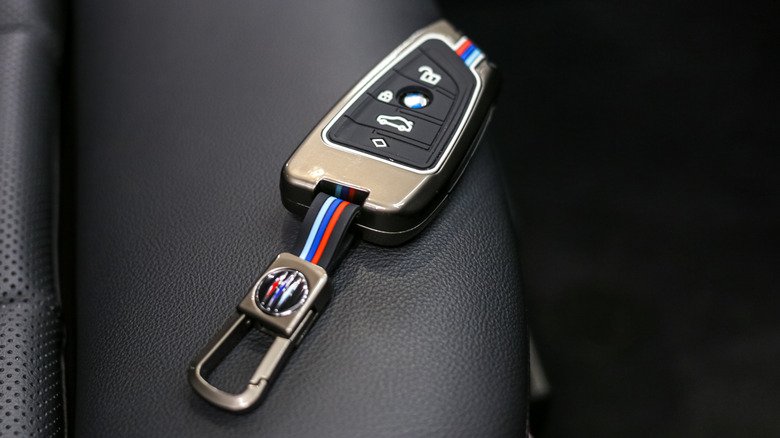
Step-by-Step Instructions for Jeep Key Fob Reset
The process for resetting your Jeep’s remote can vary by model and year. However, the following general steps apply to most recent Jeep vehicles:
- Enter the Vehicle: Sit in the driver’s seat with all doors closed.
- Insert the Key: Place your physical key into the ignition, but do not start the engine.
- Turn the Key: Turn the key to the “On” position (do not start the engine), then back to “Off.” Repeat this step three times, ending in the “On” position.
- Press a Button: Within 10 seconds, press any button on your key fob. You may hear a chime or see the locks cycle, indicating the vehicle has entered programming mode.
- Test the Fob: Turn the ignition off and remove the key. Step out and test the remote’s functions.
If your Jeep model uses a push-button start or smart key system, consult your owner’s manual for specific instructions. Some newer models require dealer-level programming or specialized equipment.
Common Issues and Troubleshooting Tips
Even after following the reset procedure, some drivers may encounter persistent problems. Here are a few troubleshooting tips:
- Check the Battery: Ensure the replacement battery is fresh and properly installed. If in doubt, use the best tools to open key fob case without damage to avoid breaking the housing.
- Inspect for Physical Damage: Look for cracks, corrosion, or water damage inside the remote.
- Try a Spare Remote: If you have a backup, see if it works. If both fail, the issue may be with the vehicle’s receiver.
- Check for Interference: Electronic devices, strong radio signals, or even nearby cell towers can sometimes disrupt the signal.
- Consult a Professional: If all else fails, a certified locksmith or dealer can diagnose and fix deeper programming issues.
Preventing Future Key Fob Problems
While a jeep key fob reset can resolve many issues, prevention is always better than cure. Here are some simple ways to keep your remote functioning reliably:
- Replace Batteries Regularly: Don’t wait for the remote to stop working. Change the battery every 1–2 years.
- Avoid Moisture: Keep your fob dry and away from water, which can cause corrosion or short circuits.
- Handle with Care: Dropping or crushing the remote can damage internal components.
- Store Spares Securely: For advice on keeping backup remotes safe, see our tips for storing spare key fobs at home.
Taking these precautions helps extend the life of your remote and reduces the likelihood of needing frequent resets or replacements.
When to Call a Professional Locksmith
If you’ve tried all the above steps and your remote still isn’t working, it may be time to seek expert help. Professional locksmiths have the tools and knowledge to diagnose issues, reprogram remotes, and even cut new keys if necessary. They can also assist with related problems, such as a locked file cabinet repair guide or troubleshooting a file cabinet lock not working.
Many locksmiths offer mobile services and can come to your location, saving you the hassle of towing your vehicle to a dealership. If you’re locked out or need urgent assistance, don’t hesitate to reach out for 24/7 support.
Frequently Asked Questions
Can I reset my Jeep remote without special tools?
For most older Jeep models, you can perform a reset using just your ignition key and the steps outlined above. However, newer models with advanced security features may require dealer-level equipment or professional locksmith assistance.
What should I do if my key fob still doesn’t work after a reset?
If the remote remains unresponsive after following the reset process, double-check the battery installation and look for signs of physical damage. If everything appears normal, the issue may be with the vehicle’s receiver or the remote’s internal circuitry. In such cases, contacting a locksmith or dealership is recommended.
How often should I replace my Jeep key fob battery?
It’s a good idea to replace the battery every 1–2 years, or as soon as you notice reduced range or inconsistent performance. Using high-quality batteries can help maintain reliable operation and minimize the need for resets.
Conclusion
Resetting your Jeep’s remote can be a straightforward process if you follow the right steps. By understanding how these devices work, knowing when a reset is needed, and taking preventive measures, you can avoid many common issues. If you ever feel stuck or need expert help, professional locksmiths are available around the clock to assist with all your remote and lock-related needs.


