


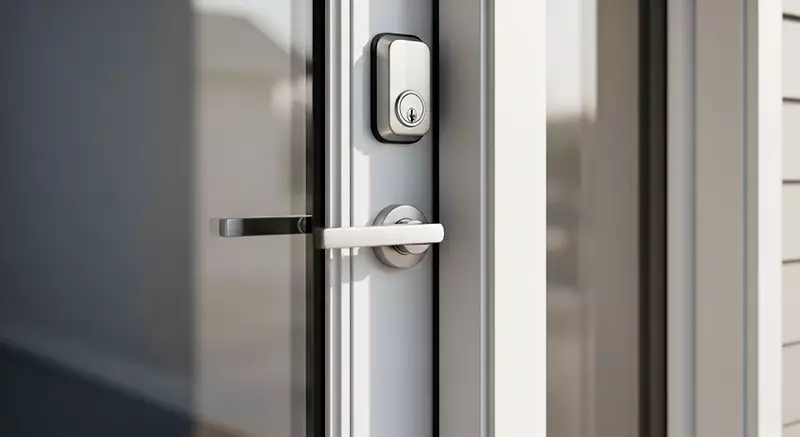
Securing your home starts with reliable locks. Over time, even the best locks can become less effective due to wear, evolving security threats, or changes in your living situation. Understanding how often should locks be replaced is essential for maintaining a safe environment for you and your family. This guide explores when and why you should consider updating your locks, the signs that it’s time for a change, and practical tips for choosing new hardware.
Homeowners often overlook the importance of regular lock maintenance and replacement. Yet, locks are the first line of defense against unauthorized entry. Whether you’ve just moved in, experienced a break-in, or simply want to upgrade to modern security features, knowing the right time to replace your locks can make a significant difference in your home’s safety.
For those interested in understanding the quality of their current locks, you might want to review deadbolt lock security ratings to compare different products and make informed decisions about replacements.
Key Reasons to Update Your Locks
There are several situations where replacing your locks becomes a necessity rather than an option. Here are the most common scenarios:
- Moving into a new home: You never know who might have copies of the keys from previous owners, contractors, or real estate agents.
- After a break-in or attempted burglary: Intruders may have damaged the lock or obtained a key, compromising your security.
- Lost or stolen keys: If your keys go missing, it’s safer to replace the locks than to risk unauthorized access.
- Wear and tear: Over time, locks can become stiff, corroded, or difficult to operate, making them less secure and more prone to failure.
- Upgrading security: Advances in lock technology, such as smart locks or anti-bump features, offer improved protection compared to older models.

How Often Should You Change Your Locks?
There’s no universal answer, but most security professionals recommend evaluating your locks every few years. Here are some general guidelines:
- Every 5–7 years: Standard locks should be inspected and potentially replaced within this timeframe, especially if exposed to harsh weather or frequent use.
- After major life events: Any time you move, experience a security incident, or have a change in household members (such as roommates moving out), it’s wise to update your locks.
- When upgrading home security: If you’re installing a security system or smart home devices, consider replacing your locks to integrate with new technology.
Regularly evaluating the condition and effectiveness of your locks is a proactive step in maintaining home safety. If you notice any issues with operation or suspect that your locks are outdated, don’t hesitate to replace them.
Signs It’s Time to Replace Your Locks
Knowing how often should locks be replaced is important, but so is recognizing the warning signs that indicate immediate action is needed. Watch for these red flags:
- Difficulty turning the key: If your key sticks, turns with effort, or gets jammed, the internal mechanism may be worn out.
- Visible rust or corrosion: Exposure to moisture can degrade metal parts, making the lock easier to break or pick.
- Loose or wobbly hardware: A lock that moves or feels unstable in the door is less secure and more vulnerable to forced entry.
- Outdated security features: Older locks may lack protections against modern threats like lock bumping or drilling. Learn more about anti drill deadbolt features to see if your hardware measures up.
- Multiple copies of keys: If you’ve distributed keys to contractors, neighbors, or previous tenants, it’s safer to start fresh with new locks.
Choosing the Right Replacement Locks
When it’s time to update your locks, consider the following factors to ensure you’re making a sound investment:
- Security rating: Look for locks with high ratings for resistance to picking, bumping, and drilling. Check out anti bump deadbolt locks explained for more on advanced security options.
- Type of lock: Deadbolts, knob locks, lever handle locks, and smart locks each offer different levels of protection and convenience.
- Compatibility: Ensure the new lock fits your door and frame without requiring extensive modifications.
- Ease of use: Choose locks that are easy for all household members to operate, especially in emergencies.
- Professional installation: While some locks are DIY-friendly, others may require a locksmith. If you’re curious about costs, see how much does a locksmith charge for deadbolt installation.
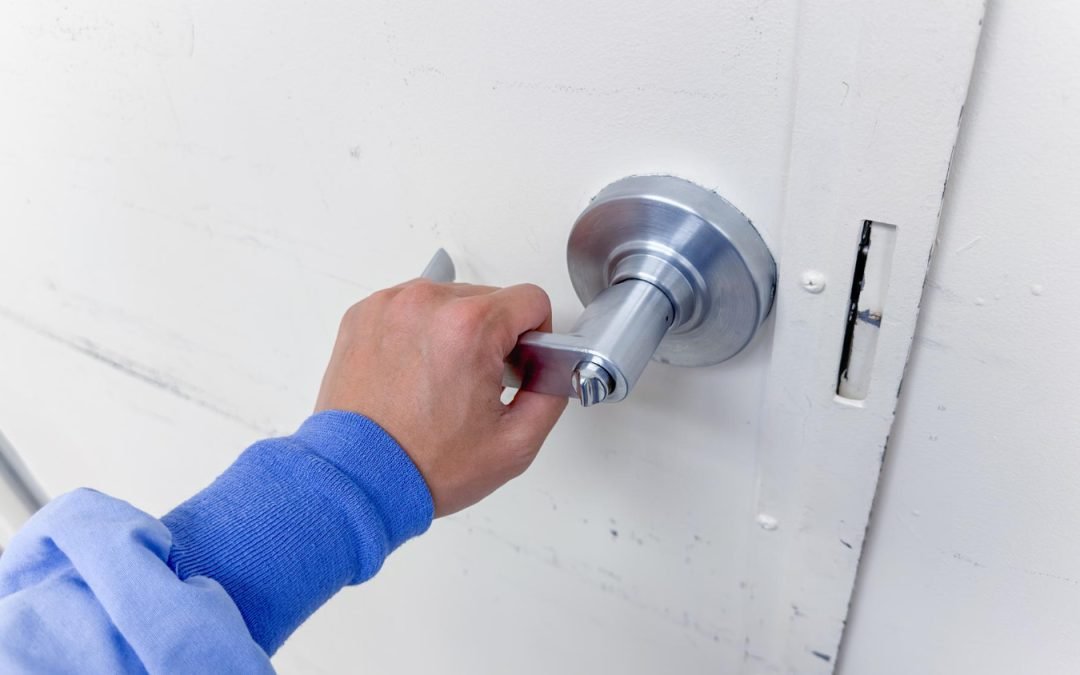
Modern Lock Options and Upgrades
Lock technology has advanced rapidly in recent years. Many homeowners are now opting for smart locks, which offer features like remote access, temporary codes for guests, and integration with home automation systems. For a comprehensive look at the latest options, explore this guide to the best smart locks available today.
Other upgrades include:
- High-security deadbolts: These are designed to resist picking, drilling, and bumping.
- Keyless entry systems: Eliminate the need for physical keys and reduce the risk of unauthorized duplication.
- Reinforced strike plates and hardware: Strengthen the door’s resistance to forced entry.
When considering an upgrade, balance your budget with your security needs and the convenience features that matter most to your household.
Maintenance Tips to Extend Lock Life
While knowing how often should locks be replaced is essential, regular maintenance can help extend the lifespan of your hardware and keep it functioning smoothly:
- Lubricate moving parts: Use a graphite-based lubricant or a product recommended by the manufacturer to keep the mechanism working smoothly.
- Clean exterior surfaces: Wipe down locks to remove dirt, debris, and moisture that can cause corrosion.
- Check alignment: Ensure the lock and strike plate are properly aligned to prevent unnecessary wear.
- Tighten screws: Periodically check and tighten any loose hardware to maintain stability.
- Test keys regularly: Make sure all keys work smoothly and replace any that are bent or damaged.
Regular care not only prolongs the life of your locks but also helps you spot issues before they become security risks.
Frequently Asked Questions
What is the average lifespan of a residential lock?
Most standard residential locks last between five and seven years with normal use and proper maintenance. However, exposure to harsh weather, frequent use, or lack of care can shorten this timeframe. Regular inspections help ensure your locks remain secure and functional.
Should I replace or rekey my locks?
Rekeying is a cost-effective option if you want to change who has access without replacing the entire lock. However, if the lock is old, damaged, or lacks modern security features, full replacement is recommended for optimal safety.
How can I tell if my locks are vulnerable to modern break-in techniques?
If your locks are more than a decade old or lack features like anti-bump, anti-pick, or anti-drill protection, they may be susceptible to new methods used by intruders. Learn more about safeguarding your home in our article on how to prevent lock bumping.
Staying proactive about your home’s security means regularly assessing and updating your locks as needed. By understanding when and why to replace them, you can better protect your property and loved ones for years to come.


