


Modern car security systems have evolved rapidly, and many drivers wonder about the compatibility between remote entry devices and non-factory alarm systems. If you’re considering upgrading your vehicle’s protection or replacing a lost remote, understanding how key fobs interact with aftermarket alarms is essential. This article breaks down how these devices function, what to expect when pairing them with third-party security systems, and how to ensure reliable operation.
Whether you want to boost convenience, enhance security, or simply replace a worn-out remote, it’s important to know the ins and outs of remote compatibility. We’ll cover how these remotes work, the challenges of pairing them with non-original equipment, and what to look for when shopping for replacements or upgrades. For those seeking even more control over their remote’s range or performance, you may also want to explore tools like a key fob signal booster to maximize effectiveness.
Understanding Key Fobs and Aftermarket Security Systems
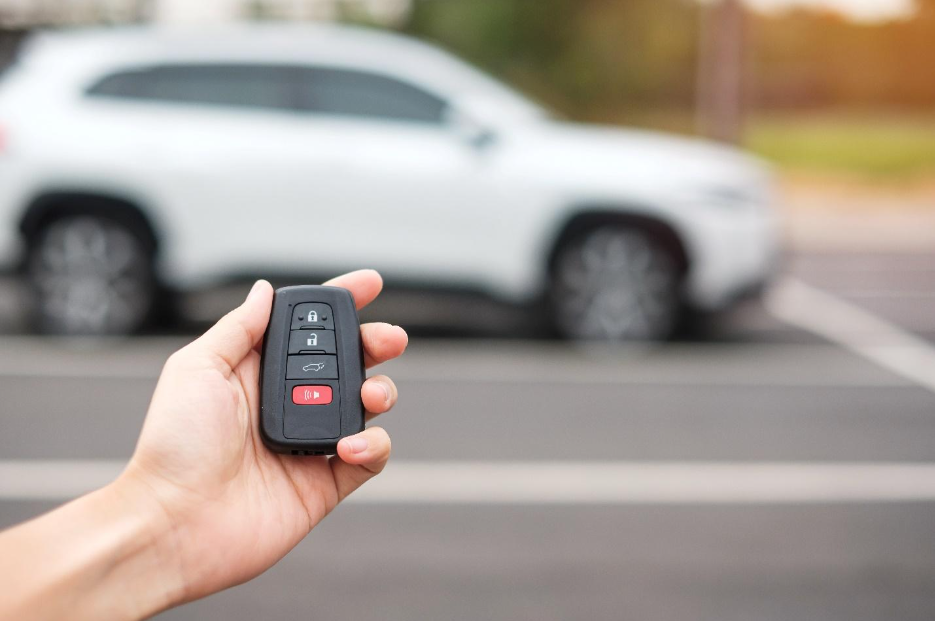
Key fobs are wireless remote controls that allow you to lock, unlock, and sometimes start your vehicle from a distance. They communicate with your car’s onboard receiver using radio frequency (RF) signals. Factory systems are designed to work seamlessly with the remotes provided by the manufacturer, but aftermarket alarms introduce new variables.
Third-party alarm systems are installed after the vehicle leaves the factory and may offer features not available from the original manufacturer, such as enhanced sensors, remote start, or smartphone integration. These systems often come with their own remotes, but many drivers want to know if their original or replacement key fob can be programmed to work with these upgraded alarms.
For more details about the different types of car keys and remotes, you can check out this comprehensive guide on car key types.
Can Factory Key Fobs Be Paired With Third-Party Alarms?
In most cases, factory key fobs are not directly compatible with aftermarket alarm systems out of the box. Original equipment manufacturer (OEM) remotes are programmed to communicate with the car’s built-in receiver, which is separate from the receiver installed by a third-party alarm provider. However, there are some exceptions and workarounds:
- Data Integration Modules: Some advanced alarm systems offer integration modules that allow the factory remote to control the new alarm. This means you can use your original remote to arm or disarm both the OEM and aftermarket systems simultaneously.
- Remote Start Add-Ons: If your aftermarket system includes remote start, it may be possible to configure the factory remote to trigger this feature, usually by pressing the lock button multiple times.
- Universal Remotes: Some universal key fobs can be programmed to operate both the factory and aftermarket systems, but this depends on the compatibility of the devices and the installer’s expertise.
It’s important to consult with a professional installer or locksmith to determine if your specific setup allows for this kind of integration. If you’re storing a backup remote, consider these tips on how to store spare key fob at home safely.
How Aftermarket Alarm Remotes Differ From OEM Key Fobs
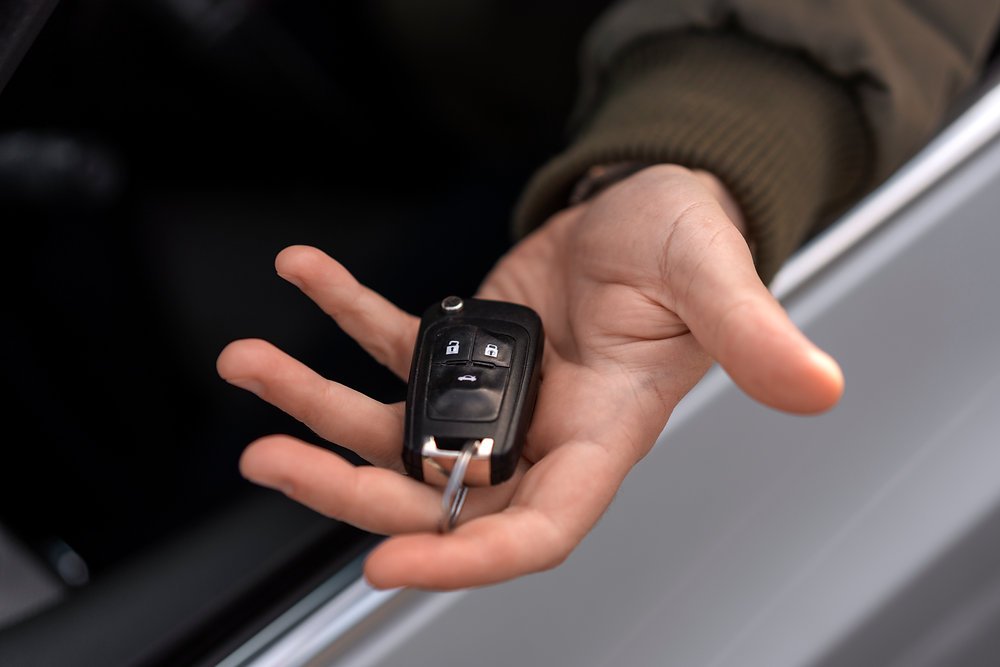
Aftermarket alarm remotes are specifically designed to work with the new security system installed in your vehicle. These remotes may look similar to factory fobs, but their programming and communication protocols are unique to the alarm brand and model. Here’s how they typically differ:
- Programming Process: Aftermarket remotes are usually programmed using the alarm’s control module, not the car’s onboard computer. This process may involve entering a programming mode on the alarm unit and syncing the new remote.
- Features: Many aftermarket remotes offer additional features such as trunk release, panic alarm, or remote start. Some even include LCD screens or smartphone connectivity.
- Security: Quality aftermarket alarms use rolling code technology to prevent signal interception, similar to OEM systems. However, compatibility is not universal, so you must use remotes designed for your specific alarm model.
If you need to open your remote for battery replacement or repairs, using the best tools to open key fob case without damage can help you avoid costly mistakes.
Pairing and Programming: What to Expect
When integrating a remote with an aftermarket alarm, the process is usually straightforward if you have the correct remote for your system. Here’s what you can expect:
- Identify Your Alarm Brand and Model: Determine the exact make and model of your alarm system. This information is crucial for finding compatible remotes.
- Obtain the Correct Remote: Purchase a replacement or additional remote that matches your alarm’s specifications. Avoid generic remotes unless they are specifically listed as compatible.
- Follow Programming Instructions: Most alarm manufacturers provide step-by-step guides for syncing new remotes. This may involve pressing a button on the alarm module, turning the ignition key in a specific sequence, or using a valet switch.
- Test All Functions: After programming, test every button to ensure proper operation. If you encounter issues, consult the alarm’s manual or contact a professional locksmith.
For insurance purposes or warranty claims, it’s a good idea to review licensed locksmith documentation for insurance to ensure your installation and programming are properly recorded.
Benefits and Drawbacks of Using Remotes With Aftermarket Alarms
There are several advantages to using dedicated remotes with third-party alarm systems:
- Enhanced Security: Aftermarket alarms often provide more advanced features than factory systems, such as shock sensors, tilt sensors, and advanced immobilizers.
- Customization: You can choose remotes with the exact features you want, from simple keyless entry to full remote start and smartphone integration.
- Cost Savings: Replacing a lost or damaged remote for an aftermarket system is often less expensive than sourcing an OEM replacement.
However, there are some potential drawbacks:
- Compatibility Issues: Not all remotes work with every alarm system. Always verify compatibility before purchasing.
- Programming Complexity: Some systems require professional installation or programming, which can add to the overall cost.
- Warranty Concerns: Installing a third-party alarm or remote may affect your vehicle’s warranty. Check with your dealer before making modifications.
Frequently Asked Questions
Can I Use My Original Remote With a New Alarm System?
In most cases, the original remote will not directly control a third-party alarm unless the system supports integration modules. Some advanced alarms allow limited use of the factory remote, but you’ll often need to use the remote provided with the new system for full functionality.
What Should I Do If My Remote Stops Working After Installing an Aftermarket Alarm?
If your remote fails to operate after a new alarm is installed, check the programming instructions for your alarm system. Sometimes, the installation process can disrupt the original receiver. Reprogramming or consulting a professional locksmith can resolve most issues.
Are Universal Remotes a Good Solution?
Universal remotes can be convenient, but compatibility is not guaranteed. Always verify that the remote is designed for your specific alarm brand and model before purchasing. For best results, use remotes recommended by the alarm manufacturer or a trusted locksmith.
Conclusion
Pairing remotes with aftermarket alarm systems offers flexibility and enhanced security, but it’s important to understand the technical limitations and compatibility requirements. Always verify that your chosen remote is designed for your specific alarm system, and consult a professional if you’re unsure about installation or programming. By taking these steps, you can enjoy the convenience of remote access and the peace of mind that comes with a robust security solution.


