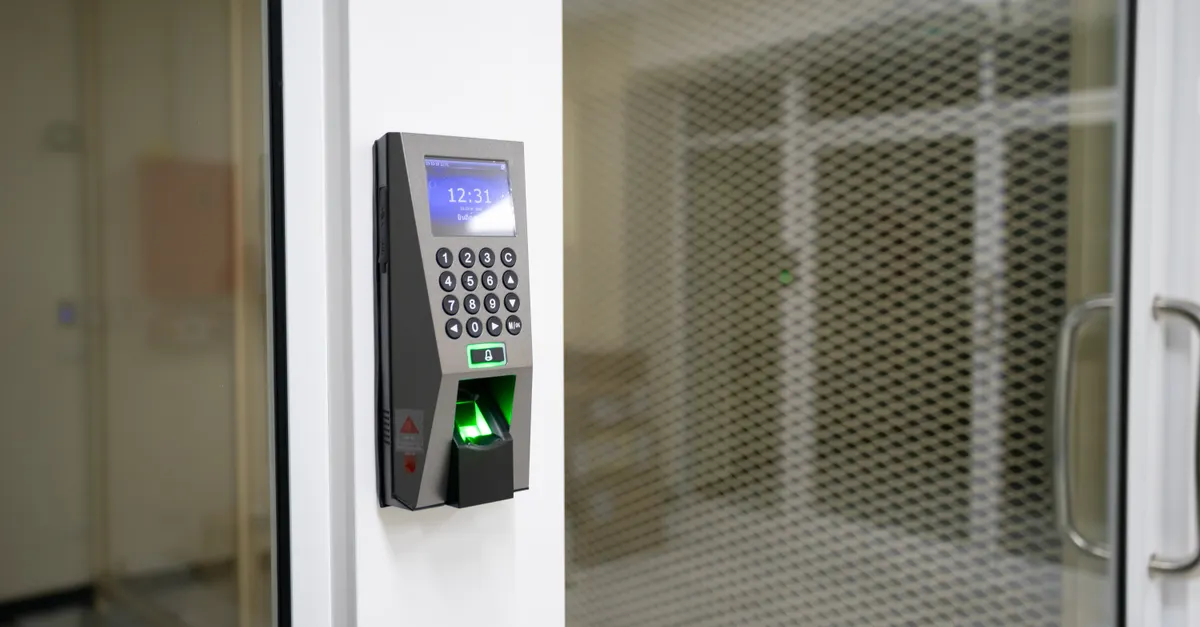
Smart locks have become a popular choice for homeowners and businesses seeking convenience and enhanced security. However, the benefits of these devices can be undermined if passwords are weak or poorly managed. Adopting best practices for smart lock passwords is essential to protect your property and personal data from unauthorized access. This article explores effective strategies for creating, managing, and maintaining secure access codes for smart locks, helping you stay ahead of potential threats.
Understanding the importance of robust password habits is the first step toward a safer connected home. If you’re also interested in the physical aspects of lock security, such as sizing and installation, you might find this guide on how to measure for a deadbolt helpful as well.

Why Password Security Matters for Smart Locks
Unlike traditional locks, smart locks rely on digital authentication methods such as PIN codes, passwords, or mobile apps. This digital layer, while convenient, introduces new vulnerabilities. Weak or reused passwords can be easily guessed or compromised, potentially giving intruders direct access to your property. By following best practices for smart lock passwords, you significantly reduce the risk of unauthorized entry and data breaches.
Cybercriminals often target smart home devices because many users neglect password hygiene. A strong, unique password is your first line of defense against hacking attempts and brute-force attacks. Regularly updating and managing your credentials ensures that your smart lock remains a reliable security tool rather than a potential weak point.
Creating Strong and Unique Passwords
One of the most critical steps in securing your smart lock is choosing a password that is both strong and unique. Avoid simple combinations like “1234,” “0000,” or easily guessable patterns such as birthdays or addresses. Instead, follow these guidelines:
- Use at least 8–12 characters, mixing uppercase and lowercase letters, numbers, and special symbols.
- Avoid dictionary words or common phrases.
- Do not reuse passwords from other accounts or devices.
- Consider using a passphrase—a sequence of random words or a memorable sentence with substitutions (e.g., “C0ffee!Table$Rain7”).
Many smart lock systems allow for multiple user codes. Assign unique codes to each user and avoid sharing your primary password with guests or service providers. This way, you can easily revoke access when needed without compromising your main credentials.
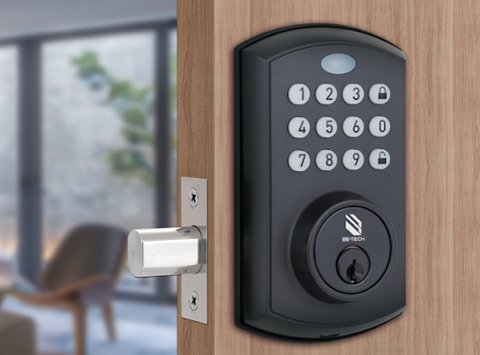
Managing and Updating Your Credentials
Regularly changing your smart lock password is a simple yet effective way to enhance security. Set a reminder to update your credentials every three to six months, or immediately if you suspect any compromise. When updating, always choose a new, unique code rather than cycling through old ones.
Consider using a reputable password manager to store and organize your smart lock credentials. Password managers can generate complex passwords and help you avoid the temptation of writing codes down or saving them in unsecured notes. If your smart lock app supports biometric authentication (such as fingerprint or facial recognition), enable it for an extra layer of protection.
Enabling Additional Security Features
Modern smart locks often come with advanced security features beyond password protection. Take advantage of these options to further safeguard your entry points:
- Two-factor authentication (2FA): If available, enable 2FA to require a second verification step, such as a code sent to your phone, before unlocking.
- Automatic lockout: Set your device to temporarily lock after several incorrect attempts, deterring brute-force attacks.
- Activity logs: Review access logs regularly to monitor who has entered and at what times. Unusual activity can be an early warning sign of tampering.
- Temporary codes: For guests or service providers, generate temporary or one-time-use codes that expire after a set period.
Consult your smart lock’s user manual or app settings to ensure all available security features are activated and properly configured.
Common Mistakes to Avoid When Setting Smart Lock Passwords
Even with the best intentions, it’s easy to fall into habits that weaken your smart lock’s security. Here are some frequent mistakes and how to avoid them:
- Using default codes: Always change factory-set passwords or PINs immediately after installation.
- Sharing codes carelessly: Limit who knows your main access code. Use guest codes for short-term access.
- Neglecting software updates: Keep your smart lock firmware and app updated to patch security vulnerabilities.
- Ignoring physical security: While digital security is crucial, don’t overlook the importance of a sturdy lock mechanism. For more on this, see the guide on signs your deadbolt needs replacement.
By steering clear of these pitfalls, you maintain a higher level of protection for your smart home or business.
Integrating Password Security with Overall Smart Home Safety
Smart lock security is just one aspect of a comprehensive smart home safety plan. Ensure your Wi-Fi network is protected with a strong password and WPA3 encryption. Limit the number of devices connected to your network, and segment smart home devices from sensitive computers or workstations if possible.
Regularly review your smart lock’s access permissions and remove users who no longer need entry. If your lock integrates with other smart home systems, such as alarms or cameras, make sure those devices are also secured with strong, unique passwords and up-to-date software.
For a deeper understanding of lock types and their benefits, you can read this comprehensive guide to deadbolt lock types and benefits.
Frequently Asked Questions
How often should I change my smart lock password?
It’s recommended to update your smart lock password every three to six months, or immediately if you suspect it has been compromised. Regular updates help prevent unauthorized access and keep your security measures current.
What makes a smart lock password strong?
A strong password uses a combination of uppercase and lowercase letters, numbers, and special characters. Avoid using personal information or common patterns. The longer and more complex your password, the harder it is to crack.
Can I use the same password for my smart lock and other devices?
No, it’s best to use unique passwords for each device and account. Reusing passwords increases the risk of a breach, as a compromise in one area can lead to vulnerabilities elsewhere in your smart home ecosystem.
Conclusion
Securing your smart lock with strong, unique passwords and regularly updating them is essential for protecting your property and personal information. By following the strategies outlined above, you can enjoy the convenience of smart locks while minimizing security risks. Stay proactive, leverage available security features, and integrate password management into your overall smart home safety routine for peace of mind and robust protection.