


If your Mercedes-Benz refuses to start or unlock because the smart key isn’t being detected, you’re not alone. Many drivers experience issues with their keyless entry systems, especially as vehicles become more advanced. A Mercedes smart key not recognized error can be frustrating, but there are proven steps you can take to troubleshoot and resolve the problem. This article explains the most common causes, practical fixes, and when it’s time to seek professional help.
Before diving into solutions, it’s important to understand how the Mercedes smart key system works. The fob communicates wirelessly with your vehicle to enable locking, unlocking, and starting the engine. When this communication fails, it can be due to battery issues, interference, or even a malfunction in the car’s receiver. Addressing these factors can often restore normal function.
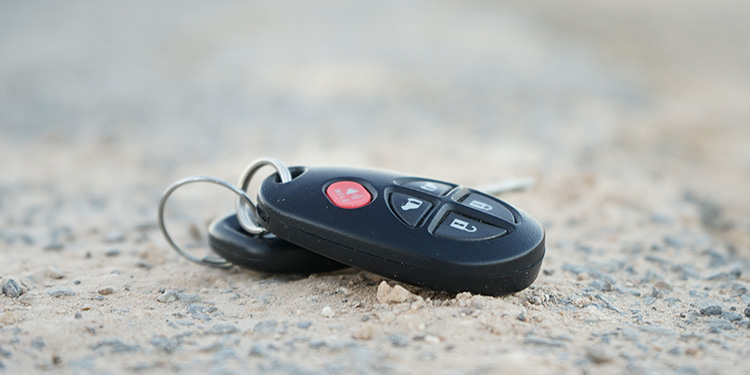
For those interested in keeping spare fobs secure, check out this helpful guide on how to store spare key fob at home to avoid future lockouts.
Common Reasons Your Mercedes Key Fob Isn’t Detected
When your car displays a message like “Key Not Recognized” or fails to respond to your fob, several factors could be at play. Understanding these causes is the first step toward a solution.
- Dead or Weak Key Fob Battery: The most frequent culprit is a depleted battery inside the fob. Even if the buttons seem to work, a weak battery can prevent proper communication with the car.
- Signal Interference: Devices like mobile phones, Wi-Fi routers, or even nearby vehicles can disrupt the wireless signal between your smart key and your Mercedes.
- Faulty Key Fob: Physical damage, water exposure, or internal electronic failure can render the fob inoperable.
- Receiver or Antenna Issues: Sometimes, the problem lies within the vehicle’s receiver module, not the key itself.
- Synchronization Problems: Rarely, the key and car may lose sync, especially after battery replacement or electrical work.
Step-by-Step Fixes for a Mercedes Key Not Detected
If you’re facing a Mercedes smart key not recognized warning, try these troubleshooting steps before calling a locksmith or dealership.
1. Replace the Key Fob Battery
A fresh battery often resolves detection issues. Most Mercedes fobs use a CR2025 or CR2032 coin cell. To change it:
- Slide the release switch on the fob and remove the mechanical key.
- Use the key or a suitable tool to open the battery compartment.
- Replace the old battery, ensuring correct polarity.
- Snap the cover back in place and test the fob.
For tips on opening your fob without damage, see the best tools to open key fob case without damage.
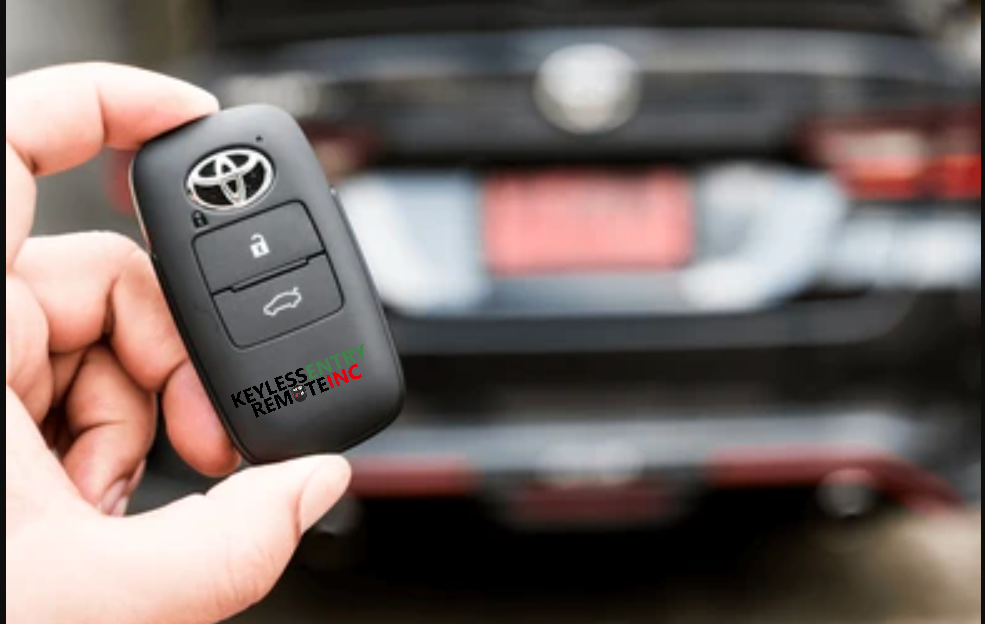
2. Try the Backup Mechanical Key
If your smart key isn’t working, use the hidden mechanical key inside the fob to unlock the driver’s door. This can help you access the vehicle and sometimes reset the system.
3. Hold the Key Near the Start/Stop Button
Mercedes vehicles often have an emergency start feature. Hold the fob directly against the start/stop button and press it. This uses passive RFID, bypassing the battery-powered transmitter.
4. Check for Interference
Move away from sources of electromagnetic interference, such as cell towers, large metal objects, or other electronics. Sometimes, simply changing your location by a few feet can restore the signal.
5. Inspect for Physical or Water Damage
Examine your fob for cracks, corrosion, or signs of moisture. If the fob has been dropped or exposed to water, internal components may be damaged. In such cases, professional repair or replacement is often necessary.

When to Call a Locksmith or Dealer
If you’ve tried the above steps and your Mercedes still won’t recognize the key, it may be time to seek professional help. Here’s when to consider expert assistance:
- You’ve replaced the battery, but the fob still isn’t detected.
- The fob shows visible damage or signs of water exposure.
- Both your main and spare keys fail to work.
- The car’s receiver or ignition system may be at fault.
A qualified locksmith can often diagnose and fix key fob issues on-site, saving you the cost and hassle of towing your vehicle to a dealership. For more on car key technology and troubleshooting, see this comprehensive guide to car keys.
Preventing Future Smart Key Problems
Taking a few precautions can help you avoid another Mercedes smart key not recognized situation:
- Change your key fob battery every 1–2 years or as soon as you notice reduced range.
- Keep your fob dry and avoid dropping it.
- Store spare keys in a safe, dry place. For tips, see our article on how to store spare key fob at home.
- Have a backup fob programmed and ready, especially for older vehicles.
Related Resources for Key and Lock Issues
If you’re interested in other lock and key troubleshooting, you might find these resources useful:
- Learn how to address a file cabinet lock not working for office or home security.
- Discover the locked file cabinet repair guide for non-vehicle lockouts.
Frequently Asked Questions
What should I do first if my Mercedes key isn’t recognized?
Start by replacing the key fob battery. This is the most common cause and an easy fix. If the issue persists, try holding the fob close to the start/stop button or using the mechanical key to unlock the door.
Can I program a new Mercedes key fob myself?
Programming a new smart key for a Mercedes typically requires specialized equipment and access to the vehicle’s security system. Most owners will need to visit a locksmith or dealership for this service.
Why does my key work sometimes but not always?
Intermittent operation can be caused by a weak battery, signal interference, or early signs of fob failure. Replacing the battery and keeping the fob away from sources of interference can help. If problems continue, consider having the fob inspected.
Is it safe to buy a replacement Mercedes key online?
While some online sellers offer replacement keys, these often require professional programming. For security and compatibility, it’s best to use reputable locksmiths or authorized dealers.
A Mercedes smart key not recognized error doesn’t have to leave you stranded. By following these troubleshooting steps and knowing when to call for help, you can get back on the road quickly and prevent future issues with your keyless entry system.


