


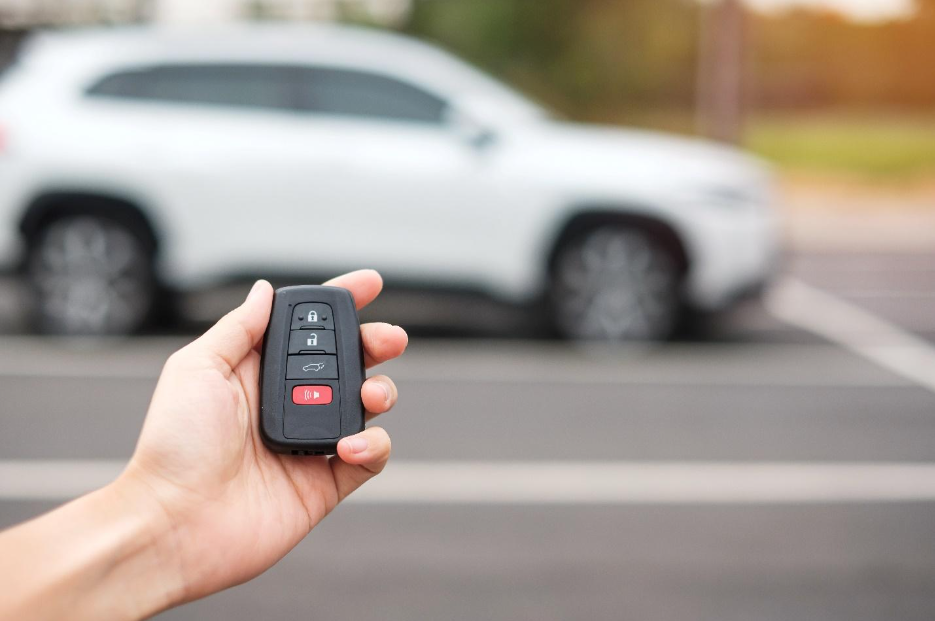
If you’ve noticed your car remote isn’t lasting as long as it used to, you’re not alone. Many drivers find themselves replacing their keyless entry batteries far more often than expected. A rapidly depleting battery can be frustrating and inconvenient, especially when it leaves you locked out or unable to start your vehicle. Understanding the reasons behind this issue can help you prevent unnecessary replacements and keep your remote working reliably.
In this article, we’ll explore the most common causes of a key fob battery keeps draining problem, practical steps you can take to extend battery life, and when it may be time to seek professional assistance. We’ll also touch on the different types of car remotes and how their design can impact battery consumption. For those interested in the broader landscape of automotive keys, you might find this comprehensive guide to automotive keys helpful.
If you ever need to verify the credentials of your locksmith or want to understand your rights as a consumer, our resource on licensed locksmith service transparency rules offers valuable insights.
Common Reasons for Fast Keyless Remote Battery Drain
A car remote is designed to be energy-efficient, but several factors can cause its battery to lose charge faster than expected. Here are some of the most frequent culprits:
- Constant Signal Transmission: If a button is stuck or the remote is pressed accidentally (for example, inside a crowded bag or tight pocket), it may continuously send signals, quickly draining the battery.
- Proximity to the Vehicle: Some modern remotes use passive entry systems that communicate with the car when nearby. Storing your remote too close to your vehicle, such as hanging it on a hook near the garage, can keep it in constant communication and shorten battery life.
- Environmental Factors: Extreme temperatures, both hot and cold, can negatively impact battery performance. Humidity and moisture can also cause corrosion or short circuits inside the remote.
- Faulty Electronics: Internal malfunctions, such as a damaged circuit board or worn-out components, can cause excessive power draw even when the remote isn’t in use.
- Low-Quality Replacement Batteries: Using generic or expired batteries may result in shorter lifespan and unreliable performance.
How to Prevent Your Remote Battery from Draining
While some causes of battery drain are out of your control, many can be addressed with simple habits and maintenance. Here are practical tips to help you get the most out of your remote’s battery:
- Store Remotes Away from Vehicles: Keep your remote at least 15–20 feet away from your car when not in use to avoid unnecessary communication.
- Avoid Pressure on Buttons: Place your remote in a dedicated pocket or pouch to prevent accidental button presses.
- Check for Stuck Buttons: Regularly inspect your remote for any buttons that may be jammed or sticky, and clean them gently if needed.
- Use High-Quality Batteries: Opt for reputable brands and check expiration dates before installing new batteries.
- Protect from Extreme Conditions: Avoid leaving your remote in direct sunlight, freezing temperatures, or damp environments.
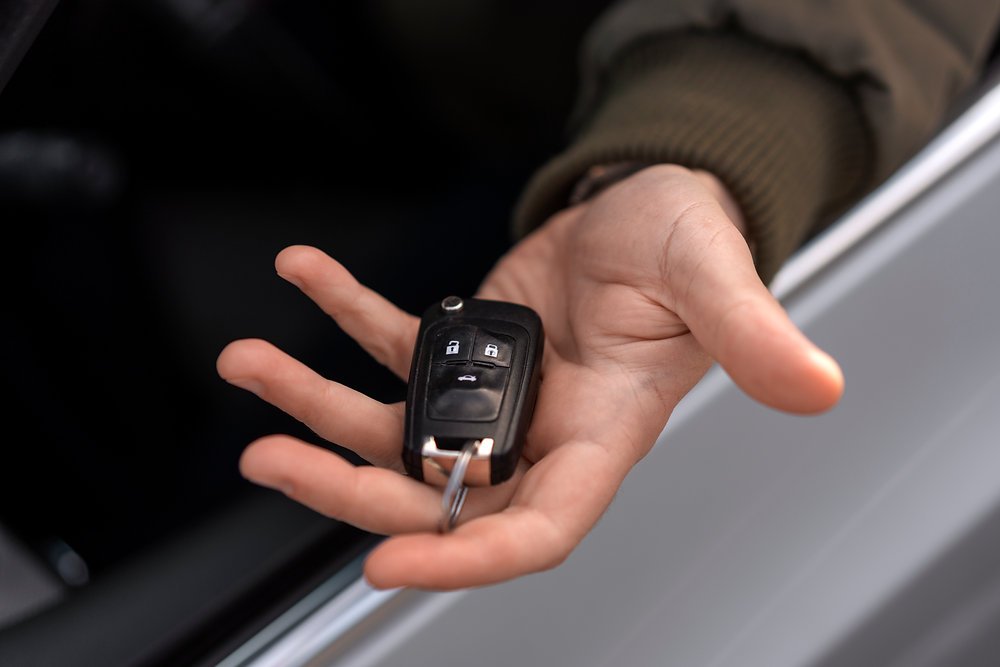
Signs Your Remote May Have an Underlying Issue
Sometimes, a battery that drains too quickly is a symptom of a deeper problem. Watch for these warning signs:
- Battery Dies Within Weeks: If you replace the battery and it fails again in a short time, there may be an electrical fault.
- Remote Functions Intermittently: Inconsistent performance, such as only working at close range or after multiple presses, could indicate internal damage.
- Visible Corrosion or Water Damage: Signs of rust, residue, or moisture inside the battery compartment suggest the remote needs professional cleaning or repair.
- Unusual Heat: If the remote feels warm to the touch, it may be drawing power continuously due to a short circuit.
If you notice any of these issues, it’s best to consult a locksmith or your vehicle’s dealership. For those dealing with insurance claims related to lost or damaged remotes, our licensed locksmith insurance claim assistance guide can help you navigate the process.
Types of Car Remotes and Their Impact on Battery Life
Not all remotes are created equal. The design and technology used in your remote can influence how quickly its battery depletes:
- Standard Keyless Entry: These remotes only transmit when a button is pressed, typically resulting in longer battery life.
- Passive Entry/Start Systems: These advanced remotes communicate with your vehicle automatically when within range, which can lead to faster battery consumption if stored too close to the car.
- Smart Keys: Some newer vehicles use remotes with additional features like remote start, trunk release, or panic alarms, all of which can increase power usage.
For a deeper dive into the variety of keys and remotes available, check out this comprehensive guide to automotive keys.
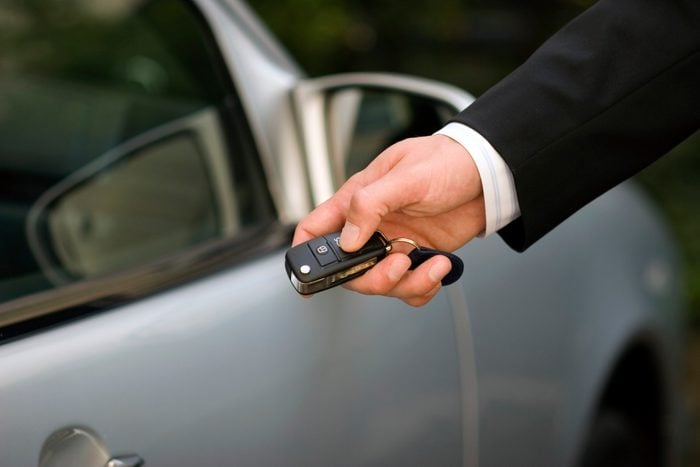
When to Replace or Repair Your Remote
If you’ve tried all the above solutions and your remote still loses power rapidly, it may be time for a replacement or professional repair. Here are some guidelines:
- Multiple Battery Changes: If you need new batteries more than twice a year, consider replacing the remote.
- Physical Damage: Cracks, broken buttons, or water exposure often require professional attention.
- Persistent Malfunctions: If the remote works inconsistently or not at all, a locksmith can diagnose and repair internal issues.
For those interested in disaster preparedness or ensuring you have backup options for emergencies, our licensed locksmith emergency preparedness guide offers practical advice.
Frequently Asked Questions
How long should a keyless remote battery last?
Most car remotes use coin cell batteries that typically last 2–3 years with normal use. However, frequent use, proximity to the vehicle, or environmental factors can reduce this lifespan.
Can I use any battery brand for my remote?
It’s best to use high-quality, name-brand batteries that match the specifications in your owner’s manual. Generic or expired batteries may not provide consistent performance and can drain faster.
What should I do if my remote still drains batteries quickly after replacement?
If new batteries continue to deplete rapidly, check for stuck buttons, signs of water damage, or internal faults. If the problem persists, consult a locksmith or your dealership for repair or replacement options.
Is it safe to open and clean my remote myself?
While replacing the battery is straightforward, opening the remote for cleaning or repairs can be risky if you’re not experienced. You may damage delicate components or void warranties. If in doubt, seek professional help.
How can I prevent accidental button presses?
Store your remote in a dedicated pouch or pocket, and avoid placing heavy items on top of it. Regularly inspect the buttons to ensure they aren’t sticking or jammed.


