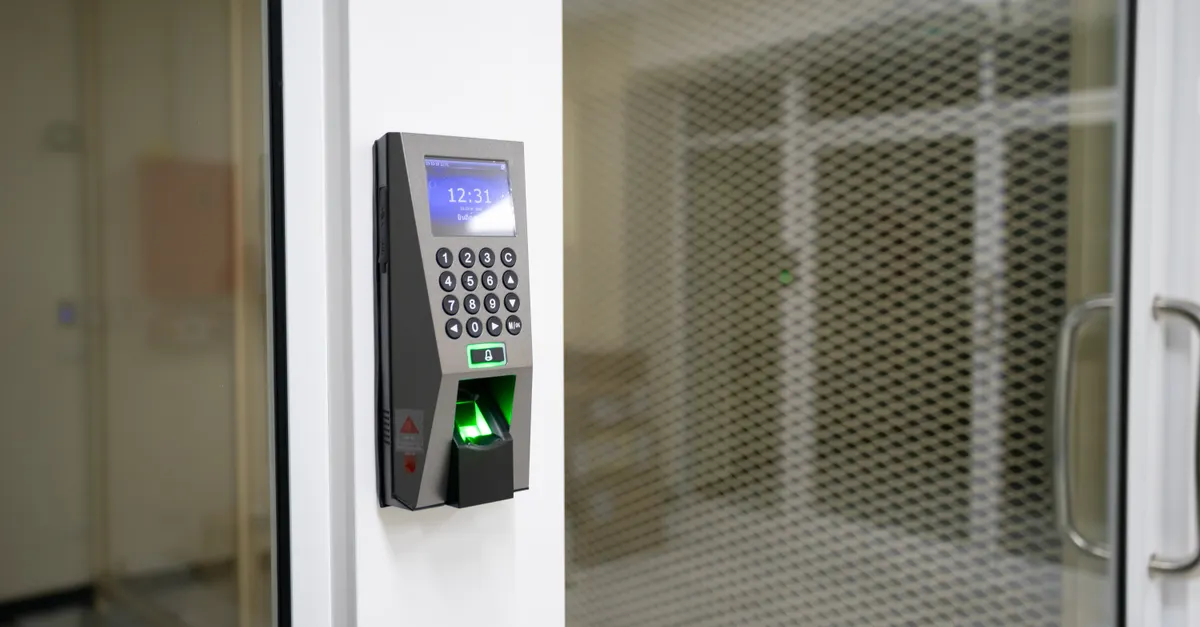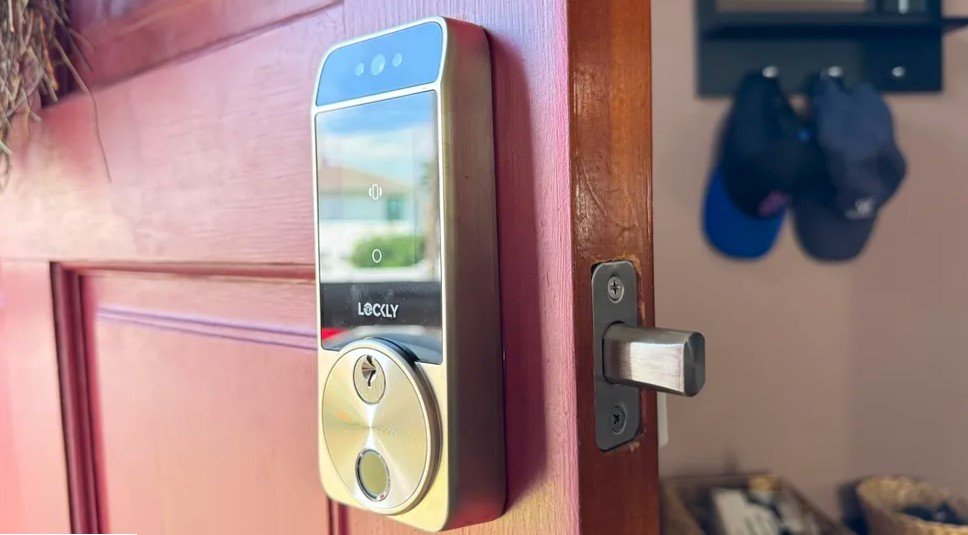
Smart locks offer convenience and advanced security features, but they also introduce new risks if not properly secured. As more homeowners adopt these devices, understanding how to prevent smart lock hacking is essential for keeping your property and loved ones safe. This guide covers practical steps, common vulnerabilities, and expert tips to help you secure your smart locks and the network they rely on.
Before diving into technical details, it’s important to recognize that smart lock security isn’t just about the device itself. Your home’s Wi-Fi, mobile devices, and even your habits all play a role in keeping digital intruders at bay. By taking a holistic approach, you can significantly reduce the chances of unauthorized access.
For those considering upgrading their door security, it’s worth exploring the differences between DIY vs professional deadbolt installation to ensure your lock setup is as robust as possible.
Understanding Smart Lock Vulnerabilities
Smart locks connect to your home network and are often controlled via smartphones or voice assistants. While this connectivity brings convenience, it also opens up new attack surfaces. Hackers may exploit:
- Weak Wi-Fi security that allows unauthorized access to your network
- Outdated firmware with known vulnerabilities
- Poor password practices or default credentials
- Unsecured mobile apps or Bluetooth connections
Understanding these risks is the first step in learning how to keep your smart lock—and your home—safe from digital threats.
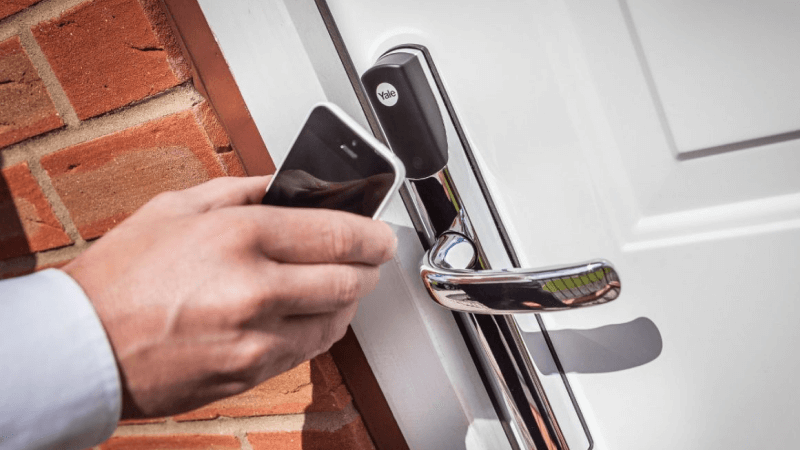
Best Practices for Securing Your Smart Lock
There are several steps you can take to minimize the risk of unauthorized access. Here are some of the most effective strategies:
1. Use Strong, Unique Passwords
Many smart lock breaches occur because users stick with default passwords or choose weak ones. Always create a strong, unique password for your lock and associated accounts. Avoid using easily guessed information like birthdays or simple sequences.
2. Keep Firmware and Apps Updated
Manufacturers regularly release updates to fix security flaws. Enable automatic updates if available, and check for new firmware or app versions regularly. This simple habit can close vulnerabilities before hackers can exploit them.
3. Secure Your Home Wi-Fi Network
Your smart lock is only as secure as the network it connects to. Use WPA3 or at least WPA2 encryption, set a strong Wi-Fi password, and consider hiding your network SSID. Regularly review connected devices and remove any you don’t recognize.
4. Enable Two-Factor Authentication (2FA)
If your smart lock app supports 2FA, enable it. This adds an extra layer of protection, requiring a second verification step beyond just a password.
5. Limit Access Permissions
Only grant lock access to trusted individuals. Remove access for guests or contractors when no longer needed. Many smart locks allow you to set temporary codes or digital keys—use these features to minimize risk.
Protecting Your Home Network from Smart Lock Attacks
Since smart locks rely on your home network, securing your router and connected devices is crucial. Here are some additional steps to help prevent hacking attempts:
- Change your router’s default admin credentials
- Disable remote management unless absolutely necessary
- Set up a separate guest network for visitors and IoT devices
- Regularly reboot your router and check for firmware updates
By following these measures, you can reduce the risk of someone gaining access to your smart lock through your network.

Choosing the Right Smart Lock for Security
Not all smart locks are created equal. When shopping for a new device, look for features that enhance protection against hacking:
- End-to-end encryption for data transmission
- Regular security updates from the manufacturer
- Support for 2FA and biometric authentication
- Physical security features like tamper alarms
Researching the different types of deadbolt locks can help you choose a model that balances convenience and security for your needs.
Additional Tips to Prevent Digital Intrusions
Beyond the basics, consider these advanced tips to further strengthen your smart lock defenses:
- Disable unused features like voice unlocking if not needed
- Monitor lock activity logs for suspicious events
- Use a reputable security suite on your smartphone
- Educate family members about safe device usage
Taking a proactive approach to security can help you stay ahead of evolving threats.
Common Myths About Smart Lock Security
There are several misconceptions that can lead homeowners to underestimate the risks or overlook important precautions:
- Myth: “Smart locks are immune to physical attacks.” In reality, they still need robust hardware. Consider learning about high security keyways explained to understand how physical and digital security work together.
- Myth: “Bluetooth-only locks can’t be hacked.” Bluetooth has its own vulnerabilities, especially if not paired securely.
- Myth: “Firmware updates aren’t necessary.” Skipping updates leaves your device open to known exploits.
Staying informed and questioning assumptions is key to maintaining a secure home environment.
FAQ
Can smart locks be hacked remotely?
Yes, if a smart lock or its network is not properly secured, hackers may exploit vulnerabilities to gain remote access. Using strong passwords, enabling encryption, and keeping firmware updated are effective ways to reduce this risk.
What should I do if I suspect my smart lock has been compromised?
Immediately change your passwords, update the lock’s firmware, and review access logs for suspicious activity. If you believe your home network is also at risk, reset your router and consider seeking professional security advice.
Are traditional locks safer than smart locks?
Both traditional and smart locks have strengths and weaknesses. While traditional locks are immune to digital attacks, they can still be picked or bumped. Smart locks offer convenience and advanced features but require careful setup and maintenance to prevent hacking.
Conclusion
Securing your smart lock is a multi-layered process that involves both digital and physical safeguards. By following the strategies outlined here, you can significantly reduce the risk of hacking and enjoy the convenience of smart home technology with greater peace of mind. Remember to stay vigilant, keep your devices updated, and review your security settings regularly to protect your home and family.