


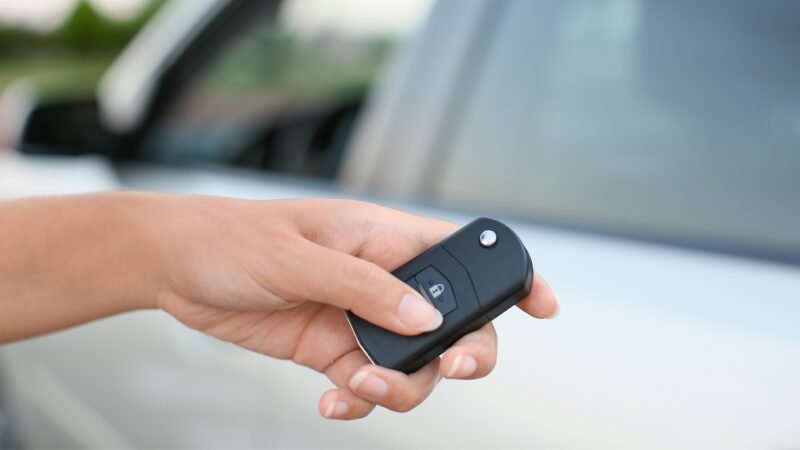
Modern BMW vehicles rely on advanced key fobs for security and convenience. These compact devices allow for keyless entry, push-button start, and even remote trunk opening. However, as with any battery-powered device, the key fob’s battery will eventually run low. When this happens, your car will alert you with a bmw key fob low battery warning. Understanding what this message means, how to respond, and how to prevent issues can save you from unexpected lockouts or inconvenience.
In this article, we’ll break down what triggers the low battery alert, how to recognize the signs, and the steps you should take to replace the battery. We’ll also cover what to do if your fob stops working entirely, and offer tips for extending its lifespan. If you’re interested in keeping all your keys secure, you might also want to review our guide on how to store spare key fob at home for additional peace of mind.
Understanding the BMW Key Fob Battery Alert
BMW vehicles are equipped with intelligent systems that monitor the status of the key fob. When the battery voltage drops below a certain threshold, the car’s onboard computer detects the issue and displays a warning message. This alert typically appears on the dashboard or infotainment screen, and may read something like “Remote control battery: Replace” or “Key battery low.”
The warning is designed to give you ample time to replace the battery before the fob stops functioning. Ignoring the alert can lead to reduced range, unreliable unlocking, or even a complete inability to start your vehicle using the push-button ignition.
Common Signs of a Weak Key Fob Battery
Aside from the official dashboard warning, there are several other indicators that your BMW key fob battery is running low:
- Reduced Range: You may need to be closer to your car for the fob to work.
- Delayed Response: Doors may unlock or lock more slowly than usual.
- Intermittent Function: Sometimes the fob works, sometimes it doesn’t.
- Multiple Button Presses: You might have to press a button several times before it responds.
These symptoms are a clear sign that it’s time to address the battery issue before you’re left stranded.
What Causes the Low Battery Warning?
The most common reason for a low battery alert is simply normal battery depletion over time. Key fob batteries typically last between one and three years, depending on usage. Factors that can accelerate battery drain include:
- Frequent use of remote features (locking, unlocking, trunk release)
- Proximity to the vehicle (some fobs remain in communication with the car when nearby)
- Extreme temperatures (hot or cold can affect battery life)
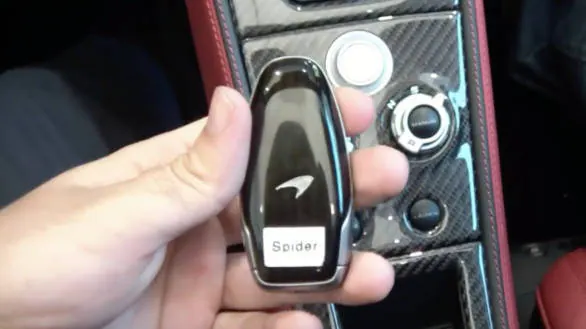
It’s important to note that some BMW fobs are rechargeable and charge when inserted into the ignition slot, while others use replaceable coin cell batteries. Always check your owner’s manual for the correct battery type and replacement procedure.
How to Replace a BMW Key Fob Battery
Replacing the battery in your BMW key fob is a straightforward process for most models. Here’s a general step-by-step guide:
- Locate the release button on your key fob to remove the physical key blade.
- Use the key blade or a small flat tool to gently pry open the fob’s case.
- Remove the old battery, noting its orientation (usually a CR2032 or CR2450 coin cell).
- Insert the new battery in the same orientation.
- Snap the fob case back together and reinsert the key blade.
For more detailed instructions, or if you’re concerned about damaging the fob, check out resources like the best tools to open key fob case without damage guide. This can help you avoid breaking clips or scratching the casing during the process.
What to Do if the Key Fob Stops Working
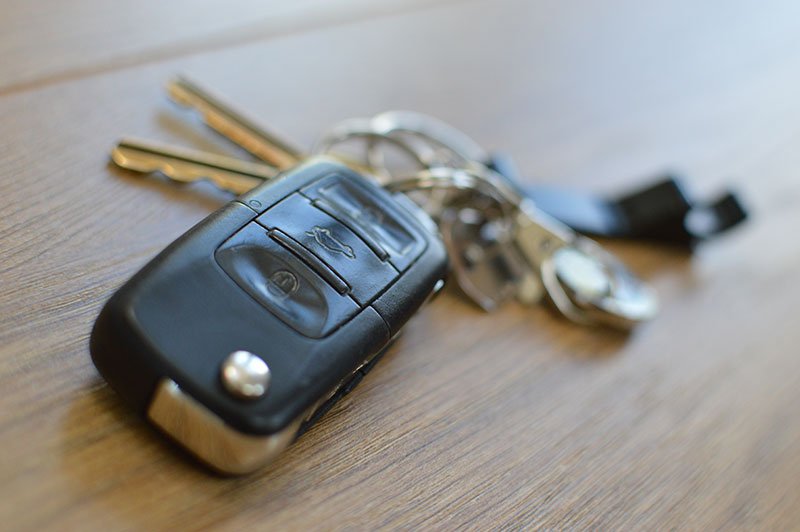
If you ignore the low battery alert and your fob stops working, don’t panic. Most BMWs have a backup method to start the vehicle even if the fob battery is dead. For models with a key slot, insert the fob or the physical key into the slot to start the car. For push-button start models, hold the fob against the steering column or designated area to enable ignition.
If you’re unable to unlock your car or start it, a professional locksmith can help. Many locksmiths offer emergency services for key fob issues, including battery replacement and programming. If you’re locked out of a different type of lock, such as a file cabinet, you may find the locked file cabinet repair guide useful as well.
Tips to Extend the Life of Your BMW Key Fob
To avoid frequent battery replacements and ensure your key fob remains reliable, consider these best practices:
- Store your key fob away from the vehicle when not in use to prevent constant communication and battery drain.
- Avoid exposing the fob to extreme temperatures, moisture, or direct sunlight.
- Replace the battery proactively every 1–2 years, even if you haven’t seen a warning yet.
- Keep a spare battery in your glove box or at home for emergencies.
For more information about different types of car keys and their maintenance, you can refer to this comprehensive overview of car key types and features.
Frequently Asked Questions
How long does a BMW key fob battery typically last?
Most BMW key fob batteries last between one and three years, depending on usage patterns and environmental factors. Frequent use of remote features or storing the fob near the vehicle can shorten battery life.
Can I use my BMW if the key fob battery is completely dead?
Yes, most BMWs allow you to start the car even if the fob battery is dead. Use the physical key to unlock the door, then either insert the fob into the ignition slot or hold it near the steering column to start the engine.
What type of battery does my BMW key fob use?
The most common battery types are CR2032 and CR2450 coin cell batteries. Always check your owner’s manual or open the fob to confirm the correct type before purchasing a replacement.
Conclusion
Receiving a bmw key fob low battery warning is a helpful reminder to maintain your vehicle’s convenience and security features. By acting promptly, replacing the battery with care, and following best practices for key fob maintenance, you can avoid unexpected lockouts and keep your BMW’s advanced entry system working smoothly. For more tips on key management and security, explore our related guides and don’t hesitate to reach out to a professional locksmith for expert assistance when needed.


