


Modern key fobs are essential for convenience and security, but when your car refuses to respond to a new or replacement remote, it can be both frustrating and disruptive. Many drivers encounter situations where a recently acquired fob fails to unlock, start, or communicate with their vehicle. Understanding the reasons behind this issue and knowing how to resolve it can save time, money, and stress.
In this guide, we’ll explain the most common causes for a car not detecting a new remote, practical troubleshooting steps, and when to seek professional help. If you’re dealing with a vehicle won’t recognize replacement fob problem, you’ll find actionable solutions below. For those interested in the broader context of automotive security and compliance, you can also learn about licensed locksmith service transparency rules and how they impact your options.
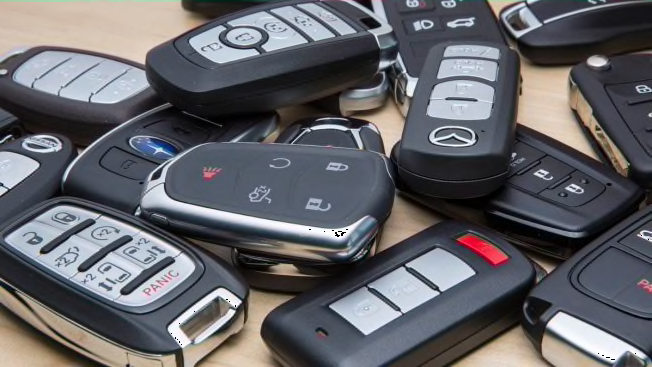
Why Cars Fail to Detect New Key Fobs
When a car doesn’t respond to a replacement remote, the underlying causes often relate to programming, compatibility, or battery issues. Here are the most common reasons:
- Incorrect Programming: Most modern vehicles require a specific pairing process for new remotes. If the procedure isn’t followed exactly, the car’s receiver won’t recognize the signal.
- Non-Compatible Fob: Not all remotes are universal. Using a fob that’s not designed for your make, model, or year can result in communication failure.
- Dead or Weak Battery: A new remote may come with a depleted battery, or the battery may have been drained during shipping or storage.
- Damaged or Defective Fob: Manufacturing defects, water damage, or physical impacts can prevent a remote from working correctly.
- Vehicle System Issues: Problems with the car’s receiver, wiring, or onboard computer can also prevent successful pairing.
Initial Checks Before Troubleshooting
Before diving into more complex solutions, it’s important to rule out simple issues. Start with these basic steps:
- Inspect the Battery: Open the remote and check if the battery is installed correctly and has sufficient charge. Replace it with a fresh one if in doubt.
- Verify Fob Compatibility: Double-check the part number and specifications. Consult your owner’s manual or dealership to ensure the remote matches your vehicle.
- Try the Original Fob: If your original remote still works, the issue is likely with the new one, not the car’s receiver.
- Check for Interference: Electronic devices, metal objects, or strong radio signals nearby can sometimes disrupt communication.
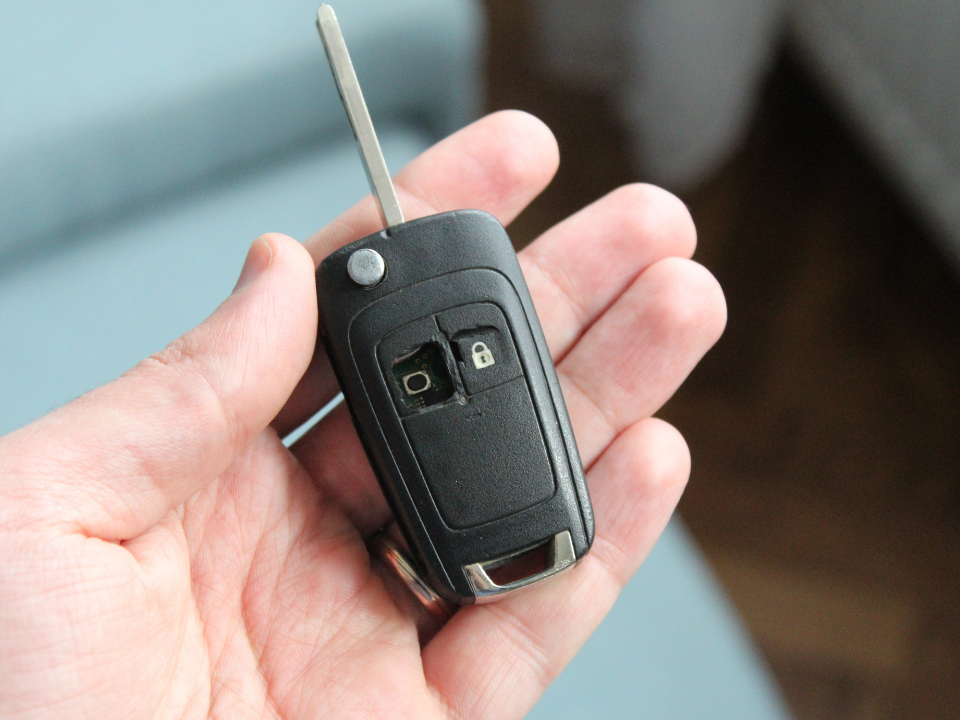
How to Reprogram a Replacement Remote
If your car isn’t responding to a new remote, reprogramming is often necessary. The process varies by manufacturer and model, but the general steps include:
- Enter your vehicle and close all doors.
- Insert the key into the ignition (if applicable) and turn it to the “On” position without starting the engine.
- Press and hold the “Lock” or “Unlock” button on the remote for several seconds.
- Follow any prompts or cycles (such as turning the ignition on and off) as described in your owner’s manual.
- Test the remote to confirm successful pairing.
Some vehicles require specialized diagnostic tools or dealer-only procedures. If you’re unsure, consult your manual or contact a professional locksmith.
Common Issues With Aftermarket and Third-Party Fobs
Many people purchase aftermarket remotes to save money, but these can introduce compatibility or quality concerns. Some remotes may lack the correct transponder chip or use outdated firmware, preventing successful pairing. It’s important to buy from reputable sources and verify that the remote is programmed for your specific vehicle.
For a deeper understanding of different types of automotive keys and their features, you may find this comprehensive guide to automotive keys helpful.
When to Call a Professional Locksmith
If you’ve tried all basic troubleshooting and reprogramming steps but your car still won’t respond to the replacement remote, it’s time to seek expert help. Professional locksmiths have the tools and knowledge to diagnose complex issues, reprogram remotes, and even replace faulty receivers or modules.
Choosing a reputable and licensed locksmith ensures your security and protects your vehicle’s warranty. For guidance on what to expect from a trustworthy provider, see the licensed locksmith service transparency rules.
Preventing Future Key Fob Problems
To minimize the risk of future remote issues, consider these tips:
- Always keep a spare remote in a safe place.
- Replace batteries proactively every 1–2 years.
- Store remotes away from moisture, heat, and strong magnets.
- Purchase replacements from authorized dealers or trusted locksmiths.
- Keep your vehicle’s software updated, as some models require firmware updates for new remotes to work.
FAQ
Can I program a new remote myself, or do I need a professional?
Some vehicles allow owners to program new remotes using a sequence of steps outlined in the owner’s manual. However, many newer models require specialized equipment or dealer access. If you’re unsure, it’s best to consult a locksmith or your dealership.
Why does my replacement remote work for locking but not starting the car?
Many remotes contain both a transmitter for locking/unlocking and a transponder chip for starting the engine. If only the locking function works, the transponder may not be programmed or may be missing. This is common with aftermarket or incorrectly programmed remotes.
How do I know if my car’s receiver is the problem?
If multiple remotes (including the original) stop working, or if you notice intermittent response, the issue may be with the vehicle’s receiver or related wiring. In this case, professional diagnostics are recommended.
Will using an aftermarket remote void my warranty?
Using a third-party remote typically won’t void your vehicle’s warranty, but damage caused by improper programming or electrical faults might. Always check your warranty terms and buy from reputable sources.
What should I do if my remote is lost or stolen?
If your remote is lost or stolen, have your vehicle’s system reprogrammed to remove the old remote from memory. This prevents unauthorized access and ensures your security.


