Protecting a business requires more than just locking the doors at night. Today’s organizations face a range of physical and digital threats, making it crucial to have a robust security setup. Understanding what to look for in a commercial security system can be challenging, especially with evolving technologies and integration options. This guide provides a practical overview of the most important features, how to assess vulnerabilities in current setups, and how to compare systems based on your unique business needs. Whether you’re upgrading or starting from scratch, this commercial security system features checklist will help you make informed decisions without diving into technical installation details.
Key Features Every Business Security System Should Include
Modern commercial security systems are more than just alarms and cameras. They are integrated solutions designed to protect assets, personnel, and sensitive information. Here are the essential components to consider:
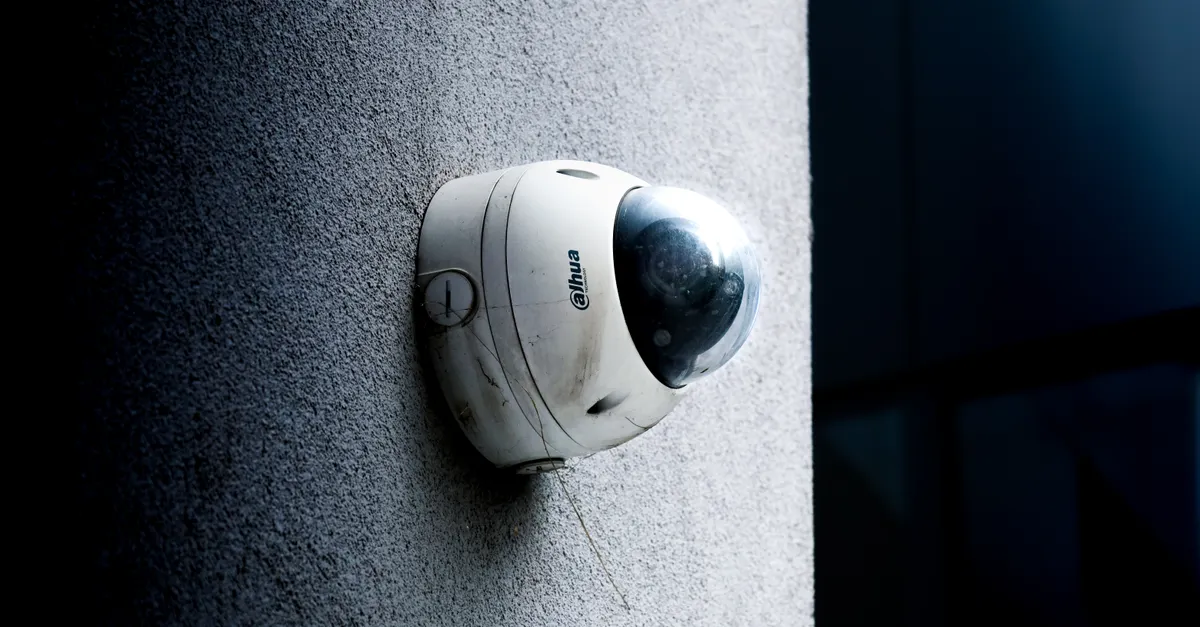
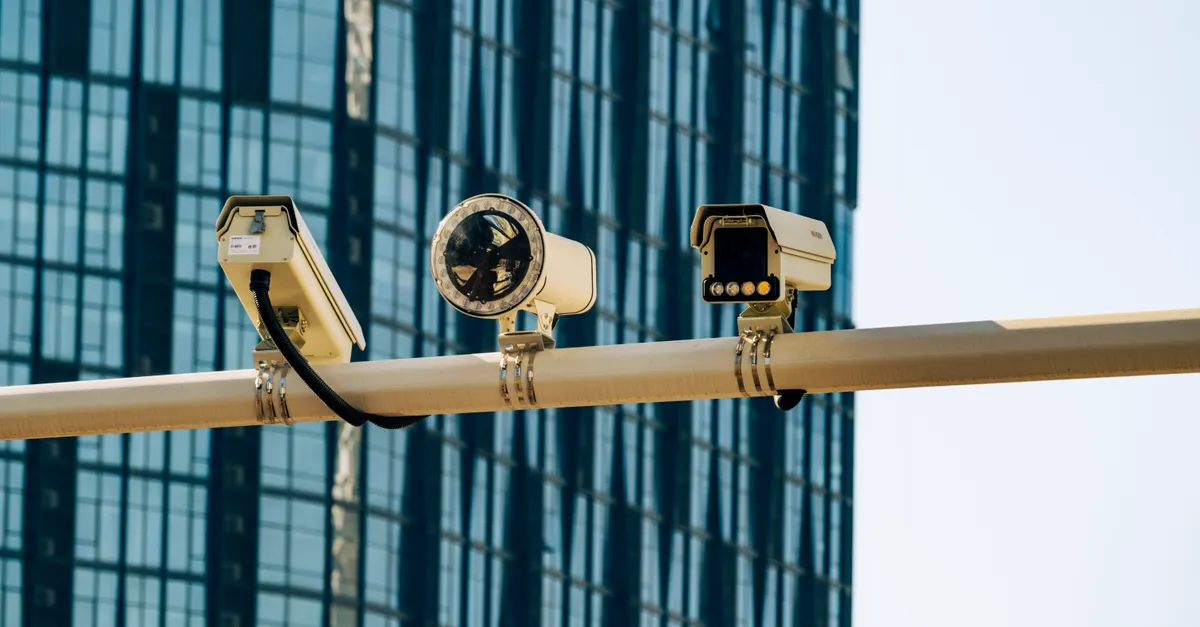
- Video Surveillance: High-definition cameras with night vision, remote viewing, and AI-enhanced video analytics for real-time monitoring and threat detection.
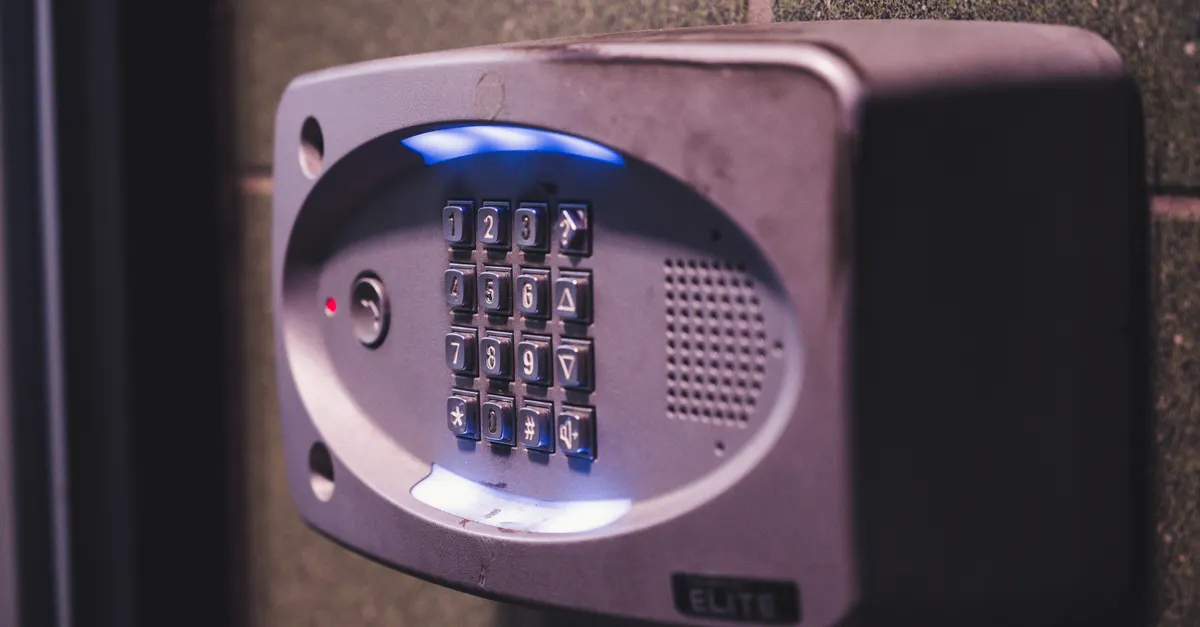
- Access Control: Systems that manage who enters and exits the premises, such as keycards, biometric readers, or mobile credentials. Integration with business operations (like HR systems) can automate access permissions.
- Intrusion Detection: Sensors on doors, windows, and other entry points that trigger alerts for unauthorized access. Advanced systems may include glass break detectors and motion sensors.
- Alarm Monitoring: 24/7 monitoring services that notify authorities or designated personnel in case of a breach. For more information about integrated monitoring, see commercial security systems with alarm monitoring.
- Cybersecurity: Protection against digital threats, especially for systems connected to networks or cloud-based platforms. Firewalls, encryption, and regular software updates are essential.
- Environmental Monitoring: Sensors that detect smoke, fire, water leaks, or changes in temperature to prevent environmental hazards.
- Panic Buttons: Easily accessible devices for staff to discreetly signal emergencies.
These features not only deter crime but also help businesses comply with regulations, manage liability, and maintain a safe environment for employees and customers. Integration with other business systems—such as time tracking or visitor management—can further streamline operations and enhance security.
Assessing Vulnerabilities in Your Current Security Setup
Before investing in new technology, it’s important to identify any weaknesses in your existing security measures. A thorough assessment helps prioritize upgrades and ensures resources are allocated effectively. Here’s how to approach this process:
- Review Physical Barriers: Inspect doors, windows, gates, and perimeter fencing for signs of wear, damage, or outdated locks. Pay special attention to less obvious entry points, such as loading docks or roof access.
- Evaluate Surveillance Coverage: Check camera placement and blind spots. Ensure all critical areas—entrances, exits, cash handling zones, and storage rooms—are monitored. Outdated cameras may lack clarity or remote access features.
- Test Alarm and Detection Systems: Regularly test alarms, sensors, and panic buttons to confirm they work as intended. Replace batteries and update firmware as needed.
- Assess Access Control Policies: Review who has access to which areas and how permissions are managed. Look for gaps, such as former employees retaining access or shared credentials.
- Check for Cybersecurity Risks: Ensure security systems connected to the internet are protected by strong passwords, firewalls, and regular software updates. Unsecured networks can be exploited to disable alarms or access sensitive footage.
- Consult Staff: Employees often notice vulnerabilities that management might miss, such as malfunctioning locks or poor lighting. Encourage reporting and feedback.
Conducting regular vulnerability assessments—ideally with the help of a professional—can reveal overlooked risks and help you stay ahead of potential threats. Remember, the goal is not just to install more equipment, but to ensure every component works together to provide comprehensive protection.
Comparing Solutions for Different Types of Businesses
No two businesses have identical security needs. The right system depends on factors like size, industry, location, and operational hours. Here’s a comparison to help you identify what matters most for your scenario:
| Business Type | Recommended Features | Considerations |
|---|---|---|
| Small Retail Stores |
|
|
| Large Offices or Warehouses |
|
|
| Healthcare Facilities |
|
|
| Multi-Site Enterprises |
|
|
When comparing systems, consider scalability, ease of integration, and ongoing support. Some businesses may benefit from commercial security systems for retail that are tailored to high-traffic environments, while others need advanced solutions for sensitive data or hazardous materials. Always match the system’s capabilities to your specific risks and operational needs.
Best Practices for Security System Implementation and Maintenance
Even the most advanced system can fall short without proper implementation and ongoing care. Follow these best practices to ensure your investment delivers long-term value:
- Professional Assessment: Engage security professionals for initial evaluations and recommendations. They can identify risks that may be overlooked internally.
- Layered Security: Combine physical barriers, surveillance, alarms, and cybersecurity measures for comprehensive protection.
- Employee Training: Educate staff on security protocols, emergency procedures, and the importance of reporting suspicious activity.
- Regular Testing and Updates: Schedule routine checks of all components, including security camera systems and alarm panels. Update software and firmware to address vulnerabilities.
- Clear Policies and Documentation: Maintain up-to-date records of access permissions, maintenance schedules, and incident reports.
- Plan for Growth: Choose systems that can expand as your business evolves, avoiding costly replacements down the line.
Maintenance is just as important as initial installation. Set reminders for periodic reviews and encourage a culture of security awareness among all employees. This proactive approach helps ensure your system remains effective as threats and business needs change.
Final Thoughts and a Practical Security Features Checklist
Choosing the right security setup involves more than picking products off a shelf. It requires a thoughtful assessment of your business’s unique vulnerabilities, operational requirements, and future growth plans. Use the following checklist as a starting point when evaluating your options:
- Have you identified all potential entry points and secured them with appropriate locks and sensors?
- Does your video surveillance cover all critical areas, and can you access footage remotely?
- Are your access control policies up to date, with permissions reviewed regularly?
- Is your alarm system monitored 24/7, with clear protocols for emergency response?
- Have you addressed cybersecurity for all connected devices and platforms?
- Are environmental hazards monitored with smoke, fire, or leak detectors?
- Do employees know how to use panic buttons and report security concerns?
- Is your system scalable and flexible enough to adapt to future needs?
- Are regular vulnerability assessments and maintenance checks scheduled?
By following this commercial security system features checklist, businesses can build a strong foundation for safety and resilience. Remember, the most effective security strategy is one that evolves with your organization and the risks it faces.
Frequently Asked Questions
What are the most important features to include in a business security system?
The most critical features are video surveillance, access control, intrusion detection, alarm monitoring, and cybersecurity protections. Additional features like environmental sensors and panic buttons can further enhance safety depending on your business type.
How can I tell if my current security system has vulnerabilities?
Start by reviewing physical barriers, checking for outdated or malfunctioning equipment, and ensuring all areas are properly monitored. Evaluate who has access to different parts of your facility and test all alarms and sensors regularly. Consulting with a professional can provide a more thorough assessment.
What’s the best way to compare different commercial security systems?
Compare systems based on your specific business needs, such as size, industry, and risk profile. Look for scalability, integration options, and support services. Consider how systems handle both physical and digital threats, and whether they can adapt as your business grows or changes.