Dropping your car’s remote into a puddle, sink, or even a swimming pool can be stressful. Modern keyless entry devices are packed with sensitive electronics, and water exposure can quickly lead to malfunctions. If you’re searching for what to do if key fob falls in water, you’re not alone—this is a common mishap that can happen to anyone.
Acting quickly and following the right steps can sometimes save your remote and help you avoid costly replacements. In this guide, you’ll find practical advice on rescuing a soaked keyless entry device, tips for drying it out, and guidance on when professional help is needed. You’ll also learn how to prevent future accidents and what to expect if a replacement or reprogramming becomes necessary.
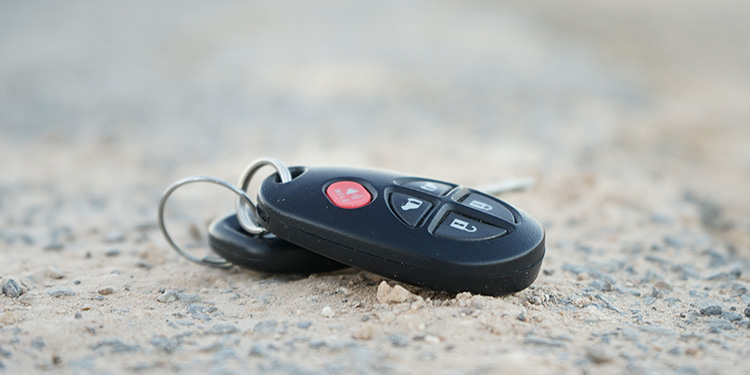
Before diving into the step-by-step process, it’s helpful to understand how these devices work and why water can be so damaging. For a deeper look at the technology inside your remote, check out this resource on what frequency do key fobs use.
Immediate Steps After Your Remote Gets Wet
Time is critical when your remote is exposed to moisture. The faster you act, the better your chances of preventing permanent damage. Here’s what you should do right away:
- Retrieve the Device Quickly: Remove it from the water as soon as possible to limit exposure.
- Remove the Battery: Open the casing (if possible) and take out the battery. This helps prevent short circuits and corrosion.
- Dry the Exterior: Use a soft cloth or paper towel to gently blot away visible moisture from the outside.
- Do Not Press Buttons: Avoid pressing any buttons, as this can force water deeper into the electronics.
How to Dry Out a Water-Damaged Keyless Entry Device
Once you’ve completed the initial steps, it’s time to focus on removing moisture from inside the device. Here are some effective methods:
- Air Drying: Leave the casing open and place the pieces on a dry, absorbent surface. Allow them to air dry for at least 24–48 hours.
- Use Silica Gel Packs: If available, place the device and battery in a sealed container with silica gel packets. These packs absorb moisture more efficiently than rice.
- Avoid Heat Sources: Do not use a hair dryer, oven, or microwave. Excessive heat can warp plastic components or damage the circuitry.
Testing and Troubleshooting After Drying
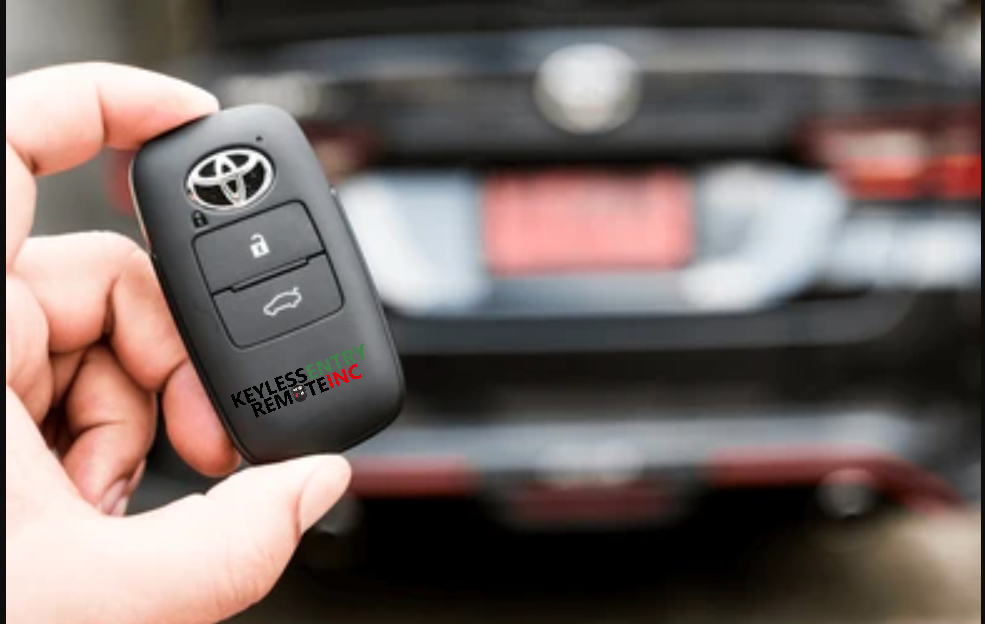
After allowing the device to dry thoroughly, reinsert the battery and test its functions. Try locking and unlocking your vehicle from various distances. If it doesn’t work, consider the following troubleshooting tips:
- Replace the Battery: Even if the original battery appears dry, water exposure can cause it to fail. Try a new battery before assuming the device is ruined. For more on this, see do key fobs use batteries.
- Check for Visible Corrosion: Look for white or green residue on the circuit board or battery contacts. Minor corrosion can sometimes be gently cleaned with a cotton swab and isopropyl alcohol.
- Test All Functions: Some features, like remote start or trunk release, may fail even if basic locking works. Test every button to assess the extent of any damage.
When to Seek Professional Help
If your remote still doesn’t work after drying and battery replacement, it may need expert attention. Water can permanently damage the internal circuitry, making DIY repairs ineffective. In these cases:
- Contact a Locksmith: Many locksmiths can repair or replace damaged remotes and may offer programming services for your vehicle.
- Visit Your Dealership: Some vehicles require dealership programming for new remotes, especially for push-to-start systems. Learn more about these systems in what is a push to start system.
- Check Your Warranty: Some manufacturers offer limited coverage for remote replacements. Review your vehicle’s warranty or roadside assistance plan.

Preventing Future Water Damage
While accidents happen, there are practical steps you can take to protect your remote from moisture in the future:
- Use a Protective Case: Silicone or waterproof covers can add a layer of defense against splashes and drops.
- Keep Remotes Away from Liquids: Avoid placing your keys near sinks, pools, or drinks to reduce the risk of accidental immersion.
- Have a Spare: Keeping a backup remote at home can save you from being stranded if your main one fails.
- Know Your Remote Type: Different vehicles use different technologies. For more details, see this guide to key types and programming.
Understanding the Technology Behind Your Remote
Modern car remotes use a mix of radio frequencies, encryption, and sometimes even Bluetooth to communicate with your vehicle. Knowing the basics can help you understand why water exposure is so problematic. If you’re curious about the wireless tech in your device, you might find this article on does a key fob use bluetooth helpful.
Additionally, some vehicles use smart keys or proximity sensors, which are even more sensitive to moisture. For a comparison of different remote types, see key fob vs smart key.
FAQ
Can I Use Rice to Dry My Remote?
While placing your device in dry rice is a popular home remedy, it’s not the most effective method. Silica gel packs are better at absorbing moisture. If you use rice, ensure the device is open and leave it for at least 24–48 hours.
Will My Car Start If the Remote Is Wet?
If the internal electronics are damaged, your car may not recognize the remote, especially with push-to-start systems. Sometimes, basic mechanical keys can still unlock the door, but advanced features may stop working.
How Much Does It Cost to Replace a Water-Damaged Remote?
Replacement costs vary by make and model. Basic remotes may cost $50–$100, while advanced smart keys can exceed $300, especially if programming is required. Locksmiths often offer more affordable options than dealerships.