


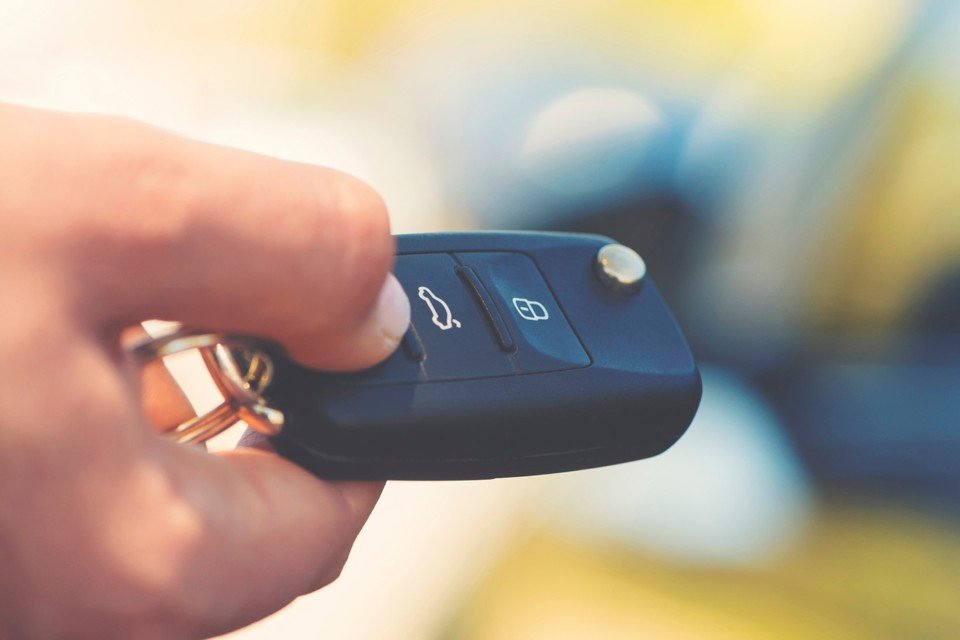
Getting started with a new Tesla often means learning about unique features, including how to set up and manage your vehicle’s remote access. For many, the process of tesla key fob pairing is an essential first step to ensure secure and convenient entry. Whether you’re upgrading from the Tesla app or simply want a physical backup, understanding the pairing process can save you time and prevent unnecessary frustration.
This article provides a step-by-step walkthrough for pairing your Tesla key fob, highlights common troubleshooting tips, and explains how to keep your access secure. We’ll also touch on the differences between various Tesla key types and when you might need professional locksmith assistance. For more information about industry best practices, you may also want to review the licensed locksmith service transparency rules to ensure you’re working with reputable professionals.
Understanding Tesla Key Types and Pairing Basics
Tesla vehicles offer several ways to access and operate your car: the mobile app, key card, and the physical key fob. While the app is the default for many owners, the fob provides a familiar, tactile experience and can be especially useful in areas with poor cell coverage or when sharing the car with others.
There are differences in key fob compatibility depending on your Tesla model. For example, Model S and Model X have long offered fobs as standard, while Model 3 and Model Y introduced them as optional accessories. Pairing a new fob is a straightforward process, but it’s important to follow the correct steps to ensure your vehicle recognizes the device.
Step-by-Step Tesla Key Fob Pairing Instructions
To begin the tesla key fob pairing process, make sure you have your unpaired fob, at least one existing paired key card or phone key, and access to your Tesla’s touchscreen. Here’s how to get started:
- Enter the Vehicle: Sit in the driver’s seat with your new key fob and an authorized key card or phone key.
- Navigate to Locks Menu: On the touchscreen, tap ‘Controls’ > ‘Locks’.
- Add Key: Select ‘+’ to add a new key. The system will prompt you to scan an existing key card or phone key for authentication.
- Pair the Fob: Hold the new fob against the designated area (usually behind the cupholders or on the center console, depending on your model) until the screen confirms pairing.
- Name and Save: Assign a name to the new key fob for easy identification, then save.
After pairing, test the fob by locking and unlocking your Tesla. If the process fails, double-check that the fob’s battery is fresh and that you’re following the prompts on the touchscreen exactly.
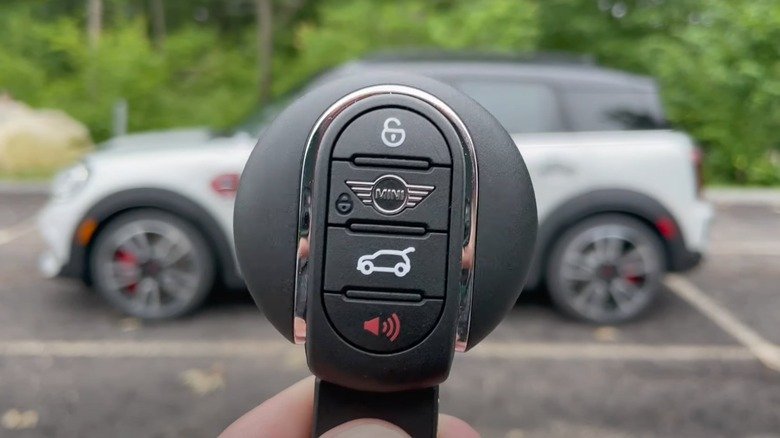
Troubleshooting Common Tesla Key Fob Issues
Sometimes, pairing doesn’t go as planned. Here are a few common problems and solutions:
- Unresponsive Fob: If the fob isn’t detected, replace the battery and try again. Most Tesla fobs use a standard CR2032 coin cell.
- Pairing Limit Reached: Tesla vehicles have a limit on the number of keys that can be paired. Remove an old key from the ‘Locks’ menu if needed.
- Software Glitch: Restart your vehicle’s touchscreen by holding down both scroll wheels on the steering wheel until the screen resets, then retry the pairing process.
- Physical Damage: If your fob has been exposed to water or physical impact, it may need to be replaced.
If you continue to experience issues, contacting Tesla support or a professional locksmith with experience in modern vehicle access systems is recommended. For more on the evolution and types of car keys, see this comprehensive overview of car key technology.
Security Considerations for Tesla Key Fob Owners
While the tesla key fob pairing process is designed to be secure, it’s important to take additional steps to protect your vehicle:
- Enable PIN to Drive: Add an extra layer of security by requiring a PIN code before the car can be driven.
- Keep Fob Firmware Updated: Tesla occasionally releases updates for key fobs. Check for updates via the Tesla app or service center.
- Store Fobs Safely: Keep your fob in a signal-blocking pouch (Faraday bag) when not in use to prevent relay attacks.
- Remove Lost Keys: Immediately delete any lost or stolen keys from your vehicle’s ‘Locks’ menu to prevent unauthorized access.
For those interested in additional security measures or insurance-related documentation, the licensed locksmith documentation for insurance guide can be a helpful resource.

When to Contact a Professional Locksmith
While most owners can complete the tesla key fob pairing process themselves, there are situations where professional help is needed. If your fob is damaged, lost, or you’re locked out without access to another key, a licensed locksmith with experience in Tesla systems can assist.
Always verify that your locksmith follows industry best practices and transparency standards. For more on what to expect from reputable providers, see the licensed locksmith service transparency rules.
Frequently Asked Questions
How many key fobs can I pair with my Tesla?
Most Tesla models allow you to pair up to four or five keys (including key cards, fobs, and phone keys). You can manage and remove keys from the ‘Locks’ menu on your vehicle’s touchscreen.
Can I pair a used Tesla key fob from another vehicle?
In most cases, a fob previously paired with another Tesla must be reset or unpaired before it can be linked to a new vehicle. If you’re purchasing a used fob, ensure it’s compatible with your model and hasn’t been locked to another car.
What should I do if my key fob stops working?
Start by replacing the battery. If the issue persists, try re-pairing the fob or consult Tesla support. For physical damage or persistent pairing failures, a locksmith or Tesla service center can provide further assistance.
Is the key fob more secure than the Tesla app?
Both methods are secure when used properly. The fob offers the advantage of working without cellular connectivity, while the app provides additional features like remote monitoring. For maximum security, enable all available protections, such as PIN to Drive and regular key audits.
Conclusion
Mastering the tesla key fob pairing process gives you greater flexibility and peace of mind as a Tesla owner. By following the steps outlined here, keeping your fob secure, and knowing when to seek professional help, you can ensure reliable access to your vehicle for years to come.


