


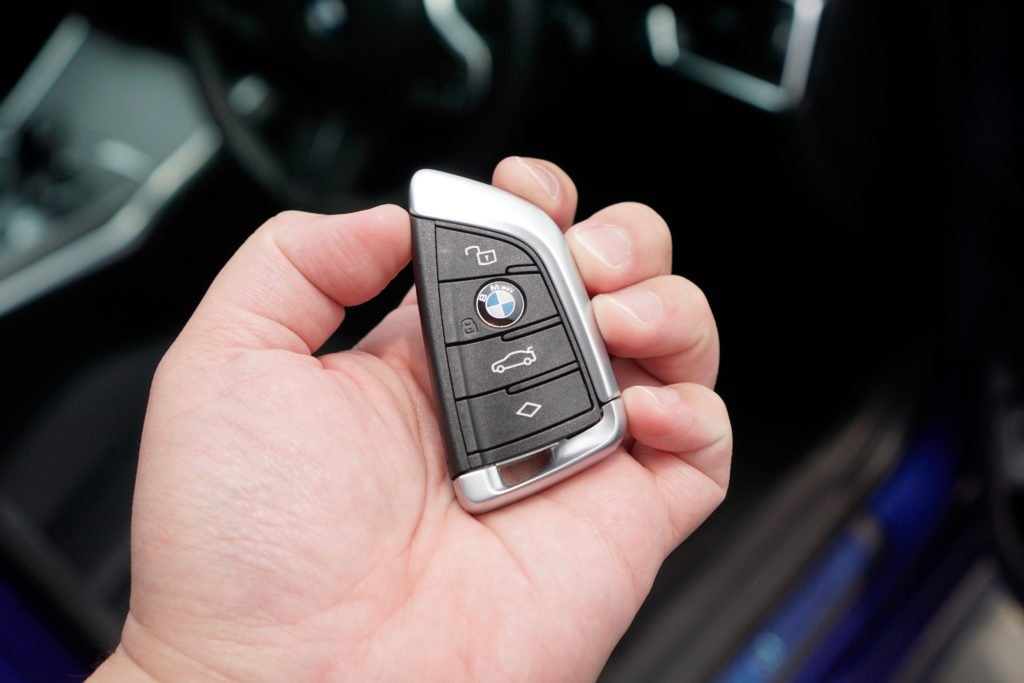
Modern Hyundai vehicles rely on electronic key fobs for convenient access and security. When these devices malfunction, it can quickly disrupt your day. Understanding how to address frequent problems with your car’s remote can save time and help you avoid unnecessary trips to the dealership. This guide covers practical steps for hyundai key fob troubleshooting, including battery issues, signal interference, and reprogramming tips. Whether your fob is unresponsive, intermittently working, or causing lockout headaches, the following advice will help you restore reliable operation.
For those interested in broader security topics, you may also find value in learning about licensed locksmith service transparency rules to ensure you’re working with reputable professionals.
Recognizing Symptoms of a Faulty Hyundai Remote
Before diving into solutions, it’s important to identify the specific symptoms your Hyundai remote is exhibiting. Common signs of trouble include:
- Unresponsive buttons, even when pressed repeatedly
- Intermittent operation—sometimes the doors unlock, sometimes not
- Reduced range, requiring you to stand closer to the vehicle
- Warning lights or error messages on your dashboard
- Failure to start the car with push-button ignition
These issues can stem from different causes, ranging from simple battery depletion to more complex electronic faults. Pinpointing the symptom helps narrow down the troubleshooting steps.
Battery Replacement: The Most Common Fix
The majority of Hyundai remote problems are caused by a weak or dead battery. Replacing the battery is a straightforward process:
- Locate the small notch or seam on your key fob’s casing.
- Use a flathead screwdriver or coin to gently pry open the case.
- Remove the old battery, noting its orientation.
- Insert a new battery of the same type (usually CR2032 or CR2025).
- Snap the case back together and test the remote.
Always handle the internal circuit board with care to avoid static damage. If your fob still doesn’t work after a fresh battery, further investigation is needed.
Signal Interference and Environmental Factors
If your Hyundai remote works inconsistently or only at very close range, signal interference could be the culprit. Electronic devices, metal structures, and even other wireless signals can disrupt communication between your fob and the vehicle. Try these steps:
- Move away from crowded parking lots or areas with heavy wireless activity.
- Avoid storing your key fob near smartphones, tablets, or other electronics.
- Check for visible damage or corrosion on the fob’s contacts.
If interference is a recurring problem, consider using a signal-blocking pouch when not in use, or consult a professional for advanced diagnostics.
Reprogramming and Synchronization Issues
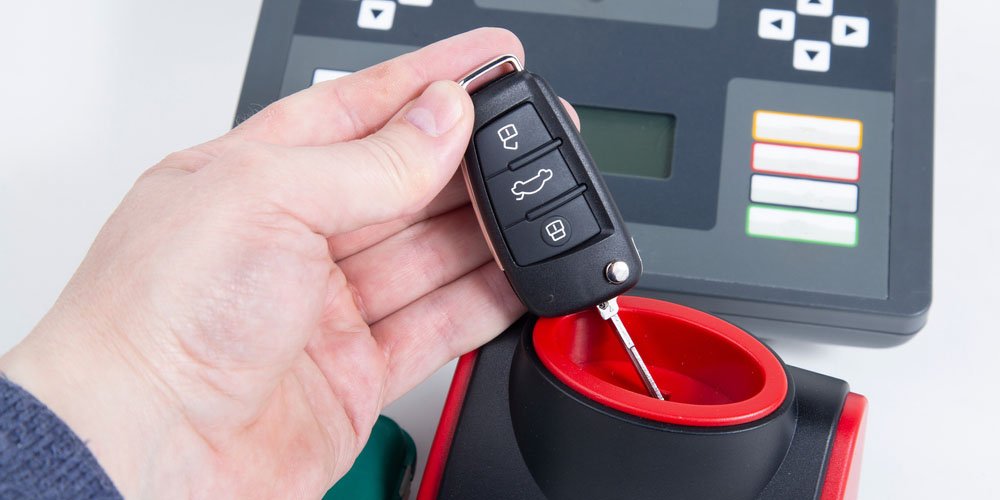
Sometimes, your Hyundai’s remote may lose synchronization with the vehicle’s onboard computer. This can happen after battery replacement, electrical work, or if the fob has been out of range for an extended period. To resync:
- Enter the vehicle and close all doors.
- Insert the key into the ignition (if applicable) and turn it to the “On” position without starting the engine.
- Press the lock or unlock button on the remote several times.
- Turn the ignition off and remove the key.
- Test the remote to see if it responds.
Some Hyundai models require dealer-level equipment for reprogramming. If these steps don’t restore function, a visit to your local dealership or a licensed locksmith may be necessary.
Physical Damage and Internal Component Failures
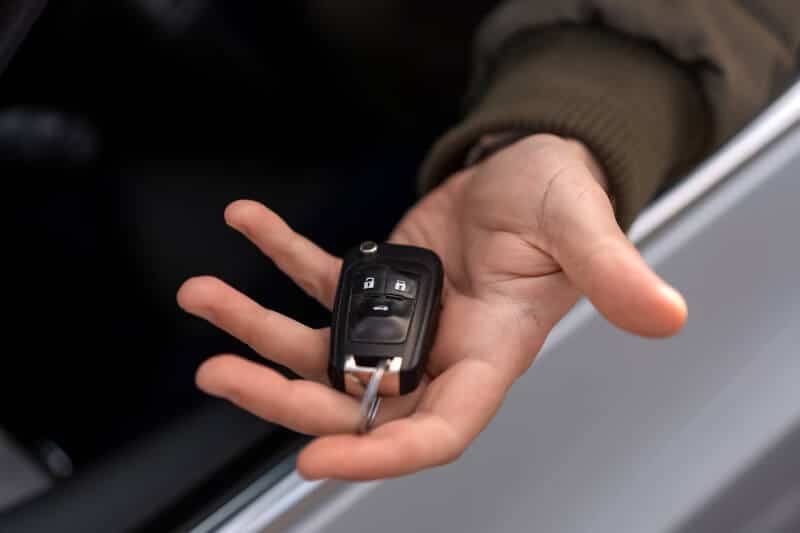
Dropping your key fob or exposing it to moisture can cause internal damage. Signs of physical failure include rattling sounds, loose buttons, or visible cracks. In these cases:
- Inspect the casing for cracks or water ingress.
- Open the fob and check for corrosion or broken solder joints.
- If damage is found, replacement is usually more cost-effective than repair.
For those needing documentation for insurance claims, refer to the licensed locksmith documentation for insurance guide for step-by-step assistance.
When to Seek Professional Help
If you’ve tried all basic hyundai key fob troubleshooting steps and your remote still fails, it’s time to consult a professional. Certified locksmiths and dealerships have the tools to diagnose and resolve more complex issues, such as:
- Programming new remotes to your vehicle
- Repairing or replacing damaged circuit boards
- Addressing immobilizer or anti-theft system faults
Always choose a reputable provider. For more on what to expect from locksmiths, see the licensed locksmith emergency preparedness guide.
Understanding Key Fob Technology and Security
Hyundai remotes use radio frequency identification (RFID) and rolling codes to communicate securely with your vehicle. This technology helps prevent theft and unauthorized access. For a deeper explanation of how these devices work, check out this comprehensive overview of key fob technology.
Keeping your remote in good condition and following best practices for battery replacement and storage will extend its lifespan and reliability.
Frequently Asked Questions
What should I do if my Hyundai remote stops working after battery replacement?
If your remote remains unresponsive after installing a new battery, double-check that the battery is correctly oriented and making contact with the terminals. If the issue persists, try reprogramming the remote or consult a professional for further diagnostics.
Can I program a new Hyundai remote myself?
Some Hyundai models allow basic remote programming at home, but many require specialized equipment available only at dealerships or locksmiths. Always consult your vehicle’s manual or contact a certified technician for guidance.
How can I prevent signal interference with my key fob?
Avoid storing your remote near other electronic devices, and keep it away from metal objects that can block signals. If you frequently encounter interference, consider using a signal-blocking pouch or parking in less congested areas.


