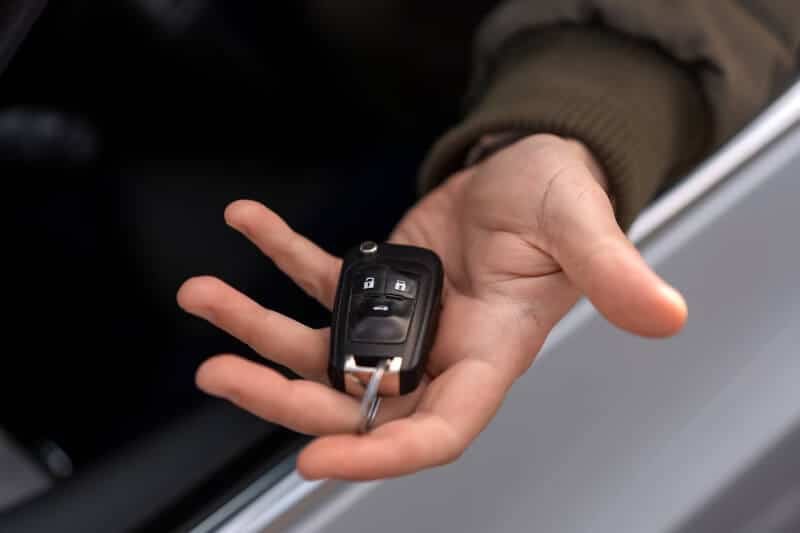
Losing access to your car or dealing with a malfunctioning remote can be frustrating, especially if you think your only option is a costly trip to the dealership. Fortunately, learning how to reprogram a key fob is often possible at home with the right approach. This guide walks you through the process, explains what you need to know before starting, and helps you avoid common pitfalls.
Before diving in, it’s helpful to understand the basics of how these remotes communicate with your vehicle. If you’re curious about the technology behind these devices, check out our article on what frequency do key fobs use for a deeper look at the wireless systems involved.
Understanding Key Fob Programming Basics
Modern car remotes use encrypted signals to communicate with your vehicle’s onboard computer. When you press a button, the fob sends a unique code that the car recognizes. Over time, or after battery changes, these codes can become unsynchronized, requiring you to reset or reprogram the remote.
Not all vehicles allow owners to reset their own remotes. Some manufacturers require specialized equipment, but many popular models offer a do-it-yourself option. Always consult your owner’s manual first, as it may provide step-by-step instructions specific to your car.
What You Need Before Starting
- All remotes you wish to program (including existing and new ones)
- Vehicle owner’s manual for model-specific instructions
- Access to the car’s interior and ignition
- Fresh batteries in each remote
If you’re unsure whether your remote is powered, our resource on do key fobs use batteries can help you troubleshoot power issues before attempting to reset your device.
Step-by-Step Guide: Reprogramming Your Car Remote
The process for resetting your remote varies by make and model, but most systems follow a similar pattern. Here’s a general outline to help you get started:
- Enter your vehicle and close all doors. This prevents interruptions during the process.
- Insert the key into the ignition. Turn it to the “On” position (do not start the engine).
- Cycle the ignition. Turn the key from “Off” to “On” several times (usually 3–5), ending in the “On” position. Some cars require you to press the brake or another button during this step.
- Press a button on the remote. Within a few seconds, press any button on the remote you want to program. The locks may cycle to indicate the car is in programming mode.
- Repeat for additional remotes. If you have more than one remote, press a button on each within a few seconds of the previous one.
- Turn off the ignition. Remove the key to exit programming mode. Test each remote to confirm it works.
Common Problems When Resetting Remotes
Even when following instructions carefully, you might encounter issues. Here are some frequent obstacles and how to address them:
- Remote not entering programming mode: Double-check the number of ignition cycles and ensure all doors are closed.
- Locks don’t cycle: Some vehicles use lights or sounds instead of lock movement. Refer to your manual for confirmation.
- Only one remote works: All remotes must be programmed during the same session. Restart the process with all remotes present.
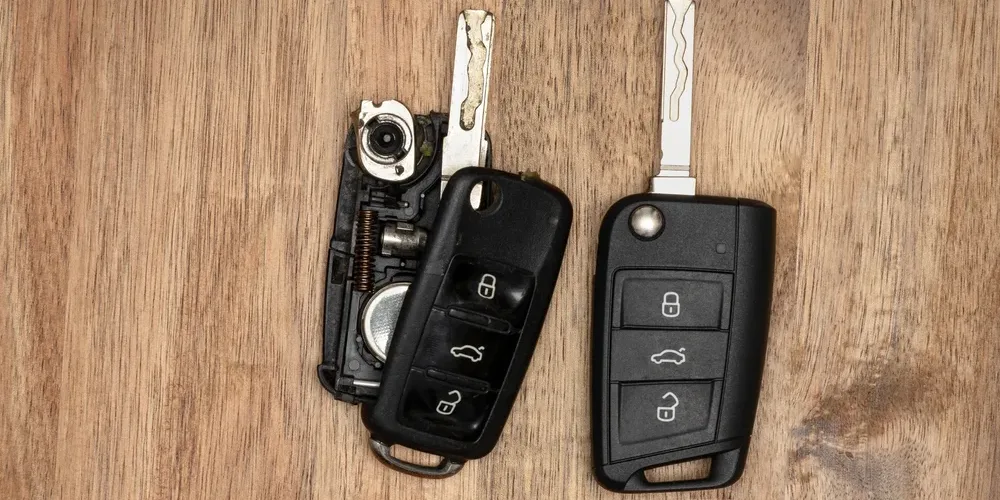
- Remote still unresponsive: Replace the battery or inspect for physical damage.
When DIY Programming Isn’t an Option
Some vehicles, especially luxury brands or newer models, require dealer-only equipment to reset remotes. If your car doesn’t respond to the above steps, or if your manual explicitly states dealer programming is required, you may need professional help.
In these cases, a trusted locksmith can often provide the same services as a dealership at a lower cost and with less hassle. If you’re ever locked out or need urgent assistance, don’t hesitate to reach out for professional support.

Tips for Success and Security
- Keep your remotes secure: Don’t leave them in easily accessible places to prevent theft.
- Erase old remotes: If you lose a remote, reprogram all remotes at once to ensure lost devices no longer work with your vehicle.
- Test thoroughly: After programming, check all buttons and features (lock, unlock, trunk, panic) to confirm full functionality.
- Stay informed: For more on how wireless access works, see our guide on does a key fob use bluetooth.
Advanced Keyless Entry Systems
Many modern vehicles use smart keys or push-to-start systems, which may require a different approach. If your car uses a proximity sensor or allows you to start the engine without inserting a key, refer to your manual or our article on what is a push to start system for details on how these systems operate and how remote programming may differ.
For a deeper understanding of the differences between traditional remotes and smart keys, our comparison of key fob vs smart key explores convenience and security considerations.
Key Fob Programming and Access Control
The same principles used in car remotes apply to many other access control systems, from building entry to garage doors. If you’re interested in the broader applications of this technology, the key fob access control overview provides insight into how these devices are used for security in various settings.
Frequently Asked Questions
Can I program any key fob myself?
Not all remotes are user-programmable. Many vehicles, especially older or economy models, allow owners to reset remotes at home. However, some brands require specialized equipment only available to dealers or locksmiths. Always check your owner’s manual first.
How do I know if my remote needs to be reprogrammed?
If your remote stops working after a battery change, or if it only works intermittently, it may need to be reset. Other signs include the remote failing to lock or unlock doors, or the car not responding to any buttons.
Will reprogramming erase my old remotes?
In most cases, all remotes must be programmed during the same session. Any remote not present during programming will be erased from the system, which is useful if you’ve lost a remote and want to prevent unauthorized access.
Is it safe to buy replacement remotes online?
Purchasing remotes from reputable sellers is generally safe, but always verify compatibility with your vehicle. Avoid used remotes unless you can guarantee they’ve been reset and are not locked to another car.